Sims 4 UI Cheats mod, free, by weerbesu
UI Cheats Extension for The Sims 4
UI Cheats Extension is weerbesu's free Sims 4 mod that turns cheats into clicks. Right-click money, needs, skills, careers or relationships to set them, instead of typing a cheat code.
v1.59.1· built for game 1.127.41Game is on 1.128.90: not yet confirmedReleased · checked · Changelog on uicheats.weerbesu.com, opens in a new tab
- Free, no pledge
- Windows and Mac, not console
- Maintained since June 2015

Updated Checked against UI Cheats v1.59.1
Install UI Cheats in 3 steps

Download the zip
Use the button above. One file, about 15 MB.
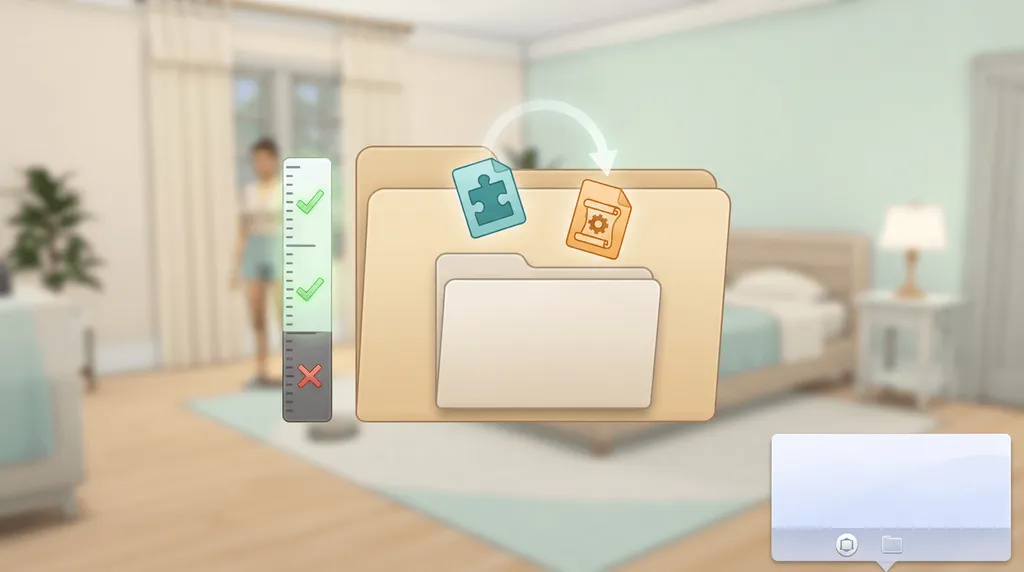
Unzip it, then drop both files into Mods
The game does not read a zip. One subfolder is fine, two is too deep.
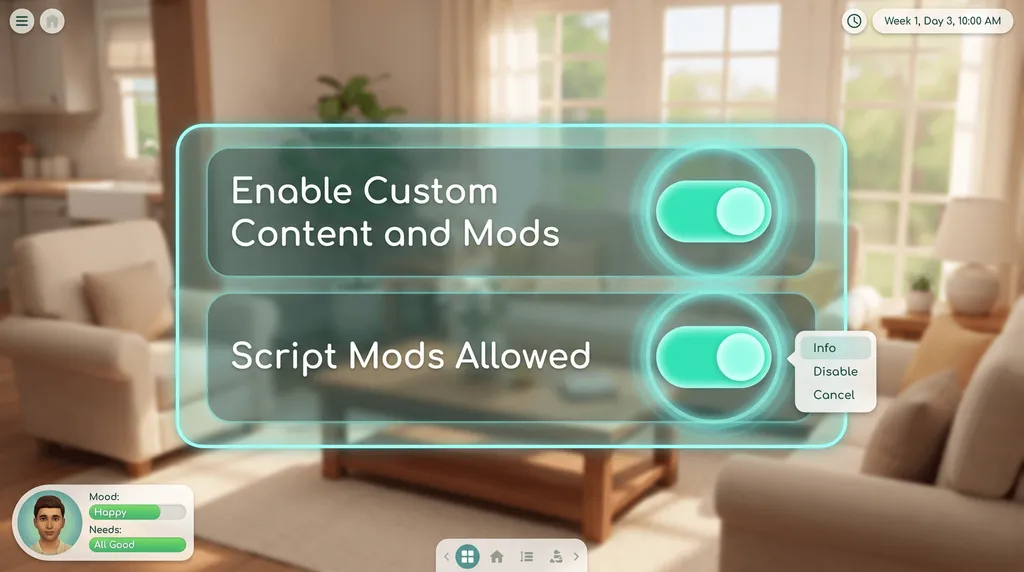
Switch on script mods
Game Options, then Other. Tick Enable Custom Content and Mods, then Script Mods Allowed.


For the exact paths and updating after a patch, read how to install UI Cheats. On macOS, follow the Mac guide instead.
What UI Cheats changes with one click
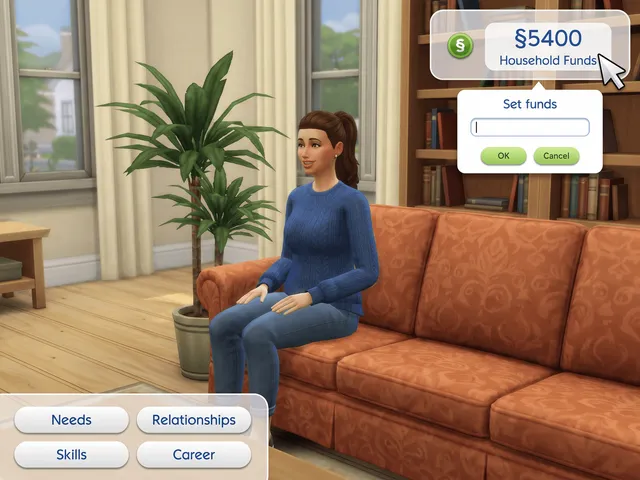
Money
- Right-click the funds counter to set an exact balance.
- Left-click it to gain §1,000.
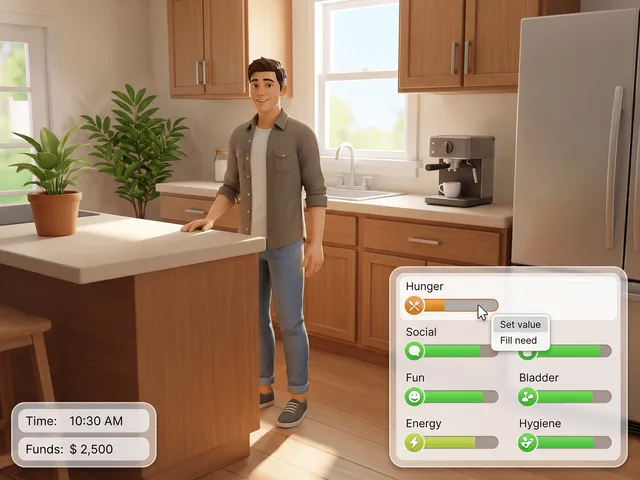
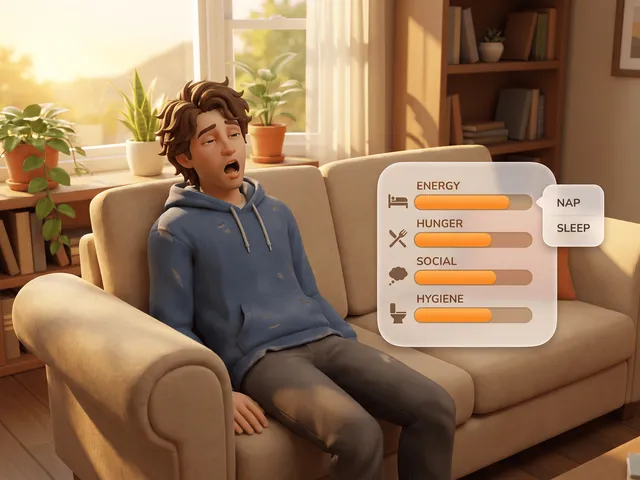
Needs
- Left-click a bar to set that need where you clicked.
- Right-click the Needs icon to fill every need.
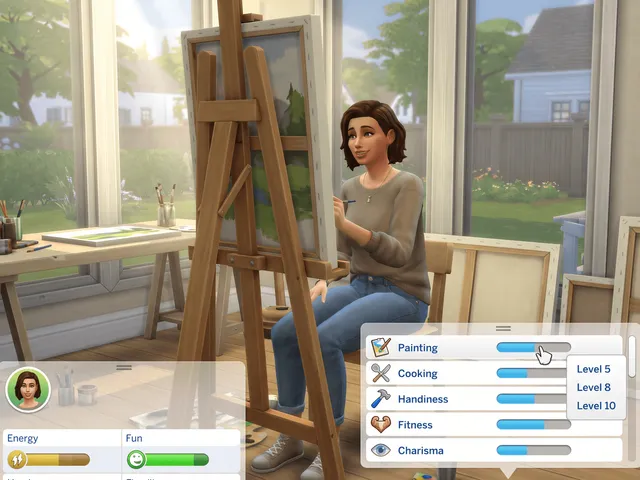
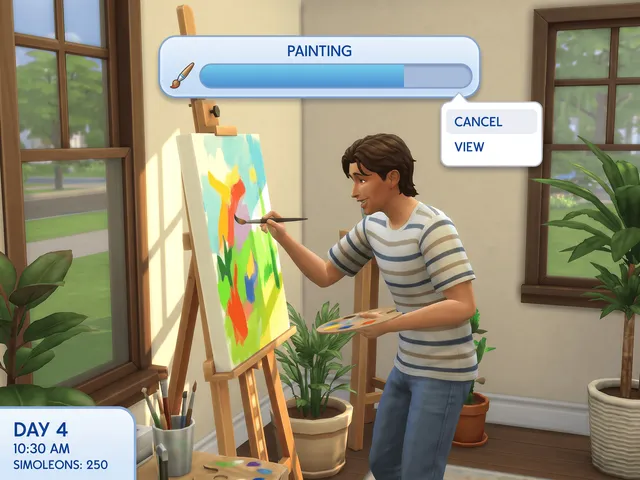
Skills
- Right-click a skill bar and pick the level.
- Right-click the panel icon to add any skill.
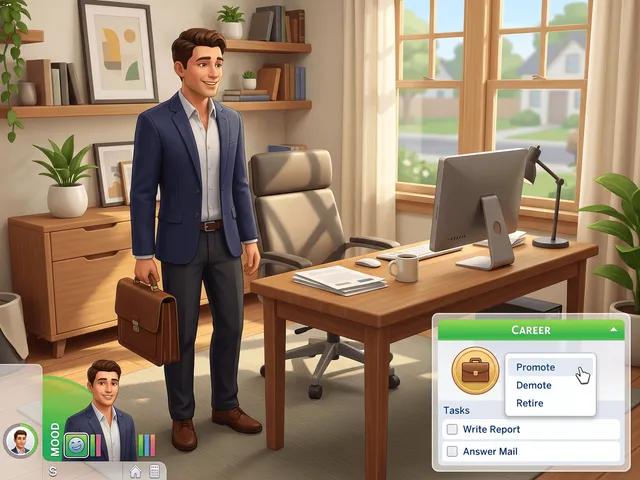
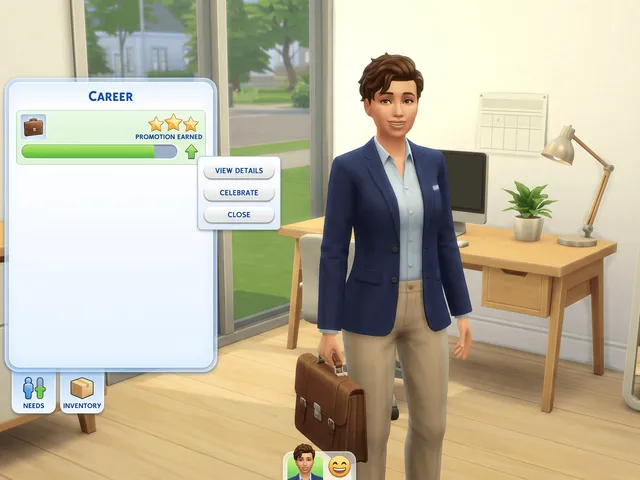
Careers
- Promote, demote, retire or change branch from the job icon.
- Right-click a work task to complete it instantly.
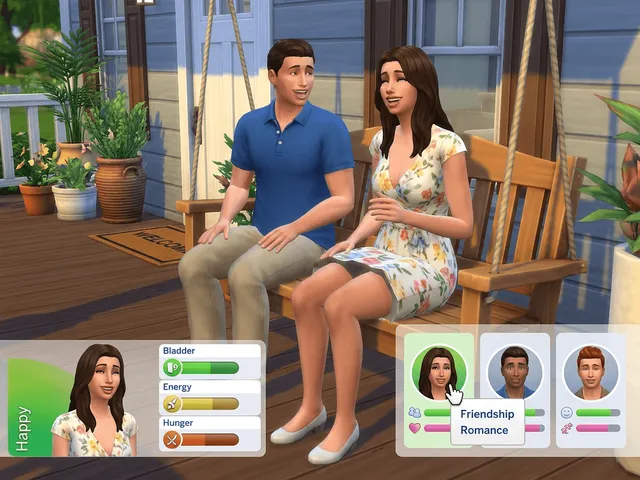
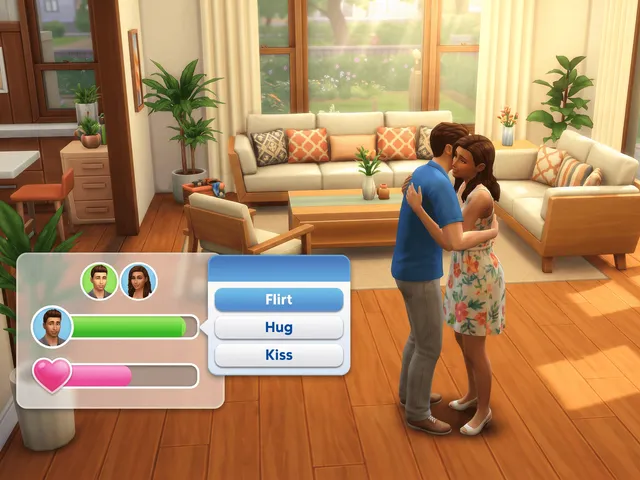
Relationships
- Set friendship or romance anywhere from -100 to 100.
- Add a Sim yours has never met.
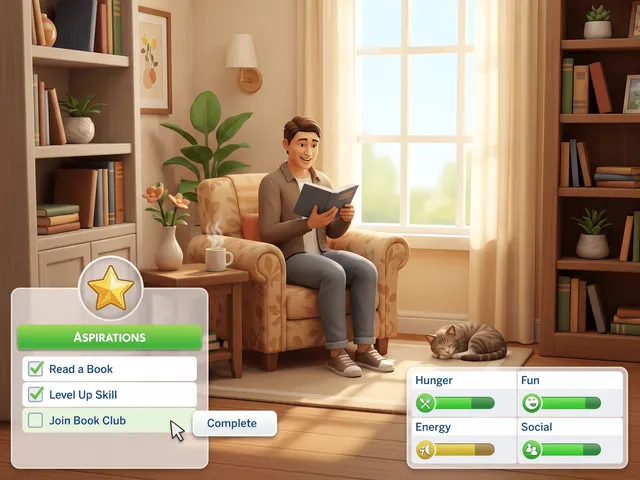
Aspirations
- Right-click an aspiration goal to fulfil it.
- Life and Death: choose a Soul's Journey rank.


Every panel it touches, and everything it cannot do, is on the full feature list.
When UI Cheats stops working
Almost every report is one of these three. Check them in order.
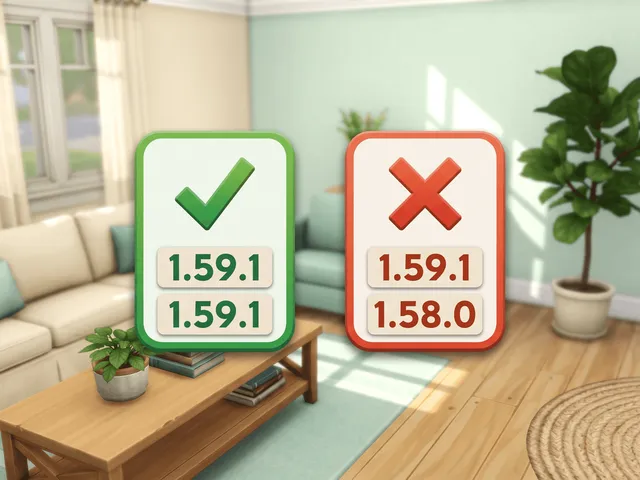
Versions do not match
- weerbesu says this causes every UI glitch from the mod.
- Each release targets one game patch. Check the version history after every update.
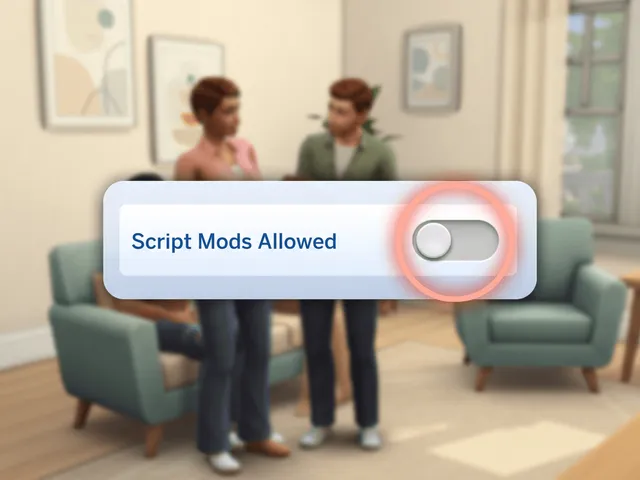
Script Mods Allowed is off
- Dialogs open, but typing a value does nothing.
- Tick it in Game Options, then restart.
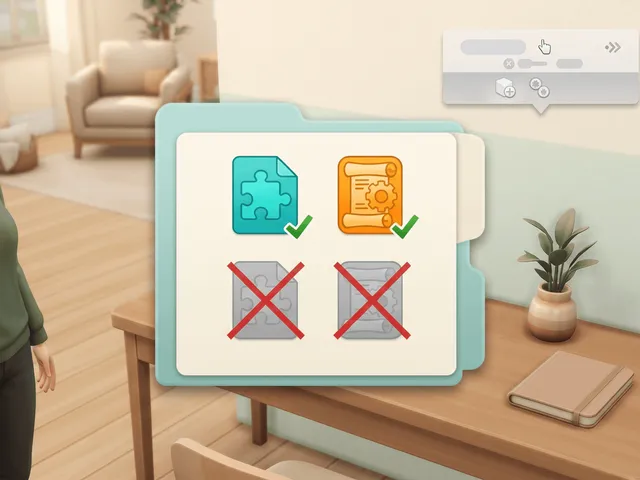
Two copies installed
- Keep exactly one copy in the Mods folder.
- Delete old, renamed and backup copies.


Fix UI Cheats when it stops working also covers folder depth, the thumbnail cache, OneDrive and mod conflicts.
Sims 4 cheat codes by category
Typed cheats do things the mod does not, and they are the only option on console.
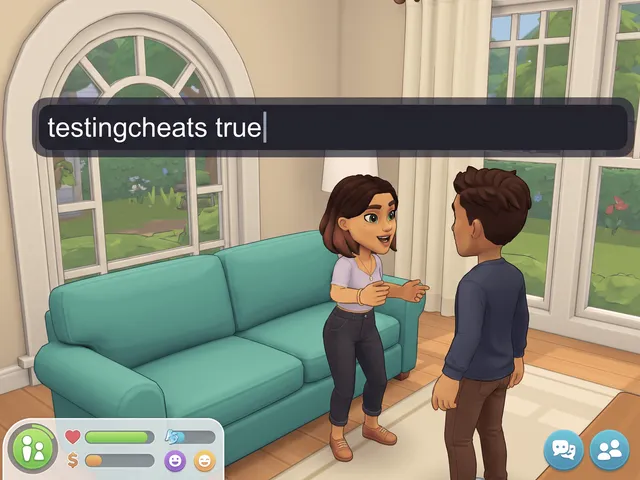
How to enable cheats

Money cheats
Needs cheats
Skill cheats
Career cheats
Relationship cheats

Aspiration cheats
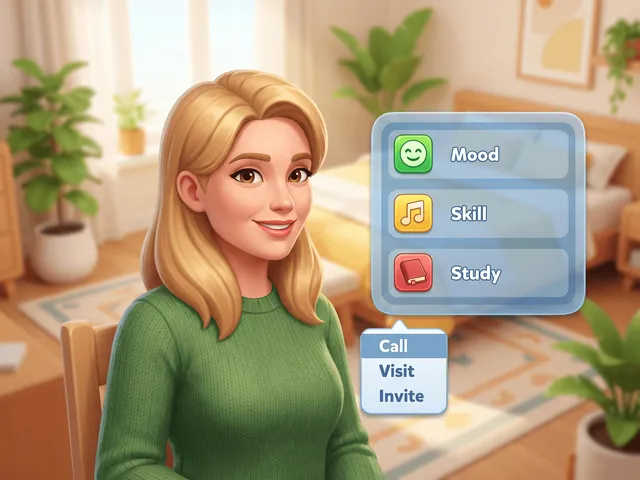
Trait cheats
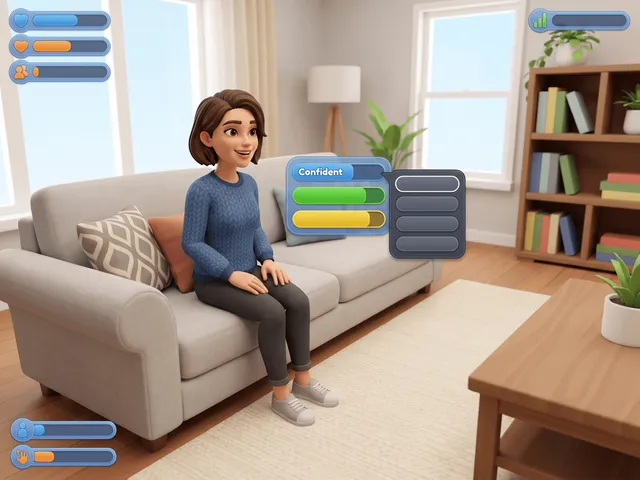
Emotion cheats
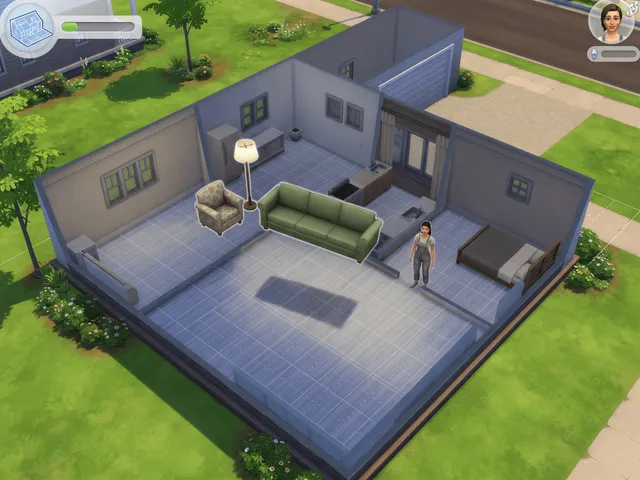
Build mode cheats
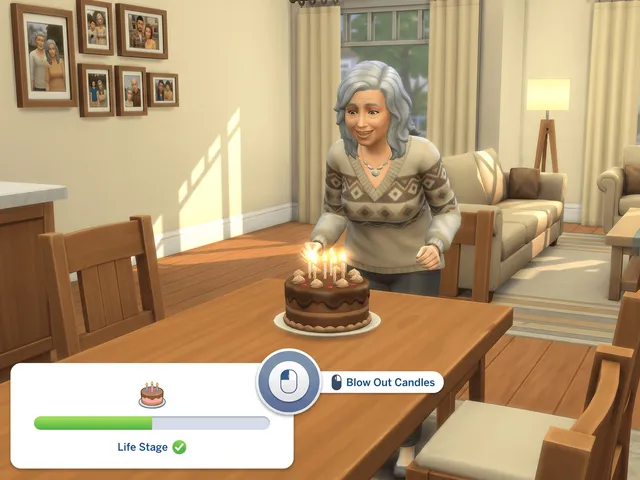
Age and death cheats
Pregnancy cheats


Pack cheats, occult ranks and the PlayStation codes are in the full code list of all 26 categories.
Frequently asked questions
Is UI Cheats free?
Yes. weerbesu has released it free since June 2015, across 85 releases, and nothing in it sits behind a pledge. We serve the unmodified zip here, and you can support him on Patreon if you want to.
What is the latest version of UI Cheats?
v1.59.1, released 27 August 2026, built for game version 1.127.41. Every release is on the version history page.
Does it work on Mac, Xbox or PlayStation?
Mac yes, consoles no. The steps on macOS are the same as on Windows, and there is a Finder walkthrough on the Mac guide. The Sims 4 on Xbox and PlayStation does not load script mods of any kind, which is covered on console support.
Why did UI Cheats break after a game update?
The mod has to match the game patch: weerbesu says missing interface, glitched panels and frozen menus from it are always a version mismatch. The game has been on patch 1.128.90 since 22 September 2026. So far weerbesu has not released a build for this patch or said whether the current one works on it, and there is no confirmed report of it breaking.
Check the version history for a newer build. More causes are on the troubleshooting guide.

More answers are on the FAQ page.


