On this page
How to Install UI Cheats in The Sims 4
Updated Checked against UI Cheats v1.59.1About 5 minutes
Unzip the download, put both files in your Mods folder, switch on Script Mods Allowed, then restart the game.
Free. Made by weerbesu, served from this site. Built for game patch 1.127.41. What is in the zip
v1.59.1· game patch 1.127.41Released · checked · Changelog on uicheats.weerbesu.com, opens in a new tab
Before you start
Four things decide whether this works.
| Check | Why |
|---|---|
| Patch the game first | v1.59.1 is built for game version 1.127.41 and will not work on older versions. On an old zip, get the current version first. |
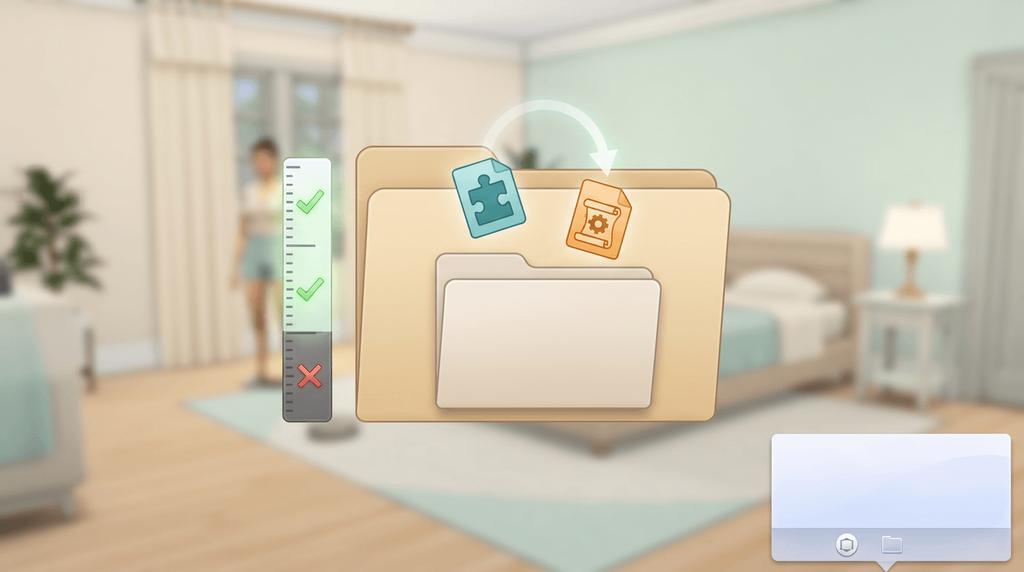
| Use both files | The zip holds a package file and a script file. Neither one works on its own. |
| Keep one copy | Delete older and renamed copies. weerbesu asks for exactly one copy in the Mods folder, and a renamed backup still loads. |
| No packs needed | The base game is enough. Panels that belong to a pack appear only if you own that pack. |
Install it in seven steps
Download the zip
Press the download button at the top of this page. You get one zip file, about 15 MB.
Extract it
Unzip the file before you go near Mods. Inside are two files, a package file and a script file.
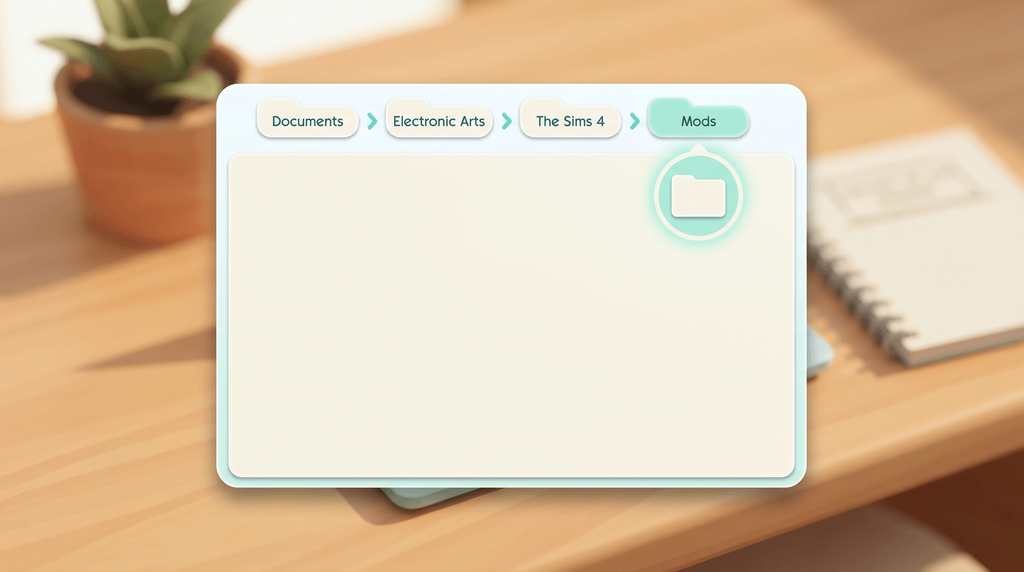
Open your Mods folder
Go to Documents, then Electronic Arts, then The Sims 4, then Mods. If it is not there, the game makes it the first time you launch with mods on.
Put both files in
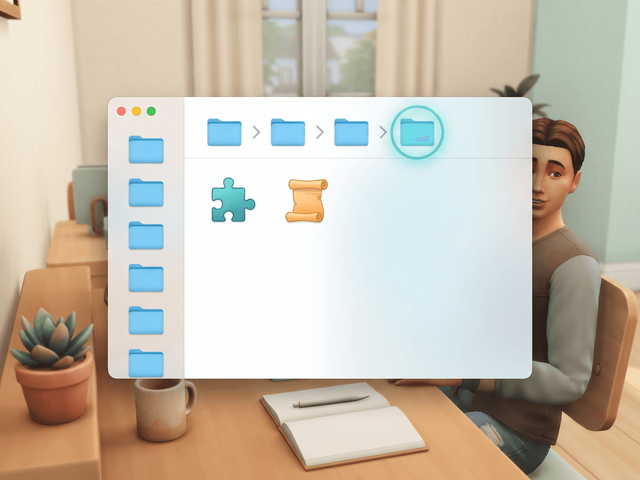
Move the package file and the script file into Mods. One subfolder is fine, and anything deeper stops the script file loading.
Switch on both mod settings
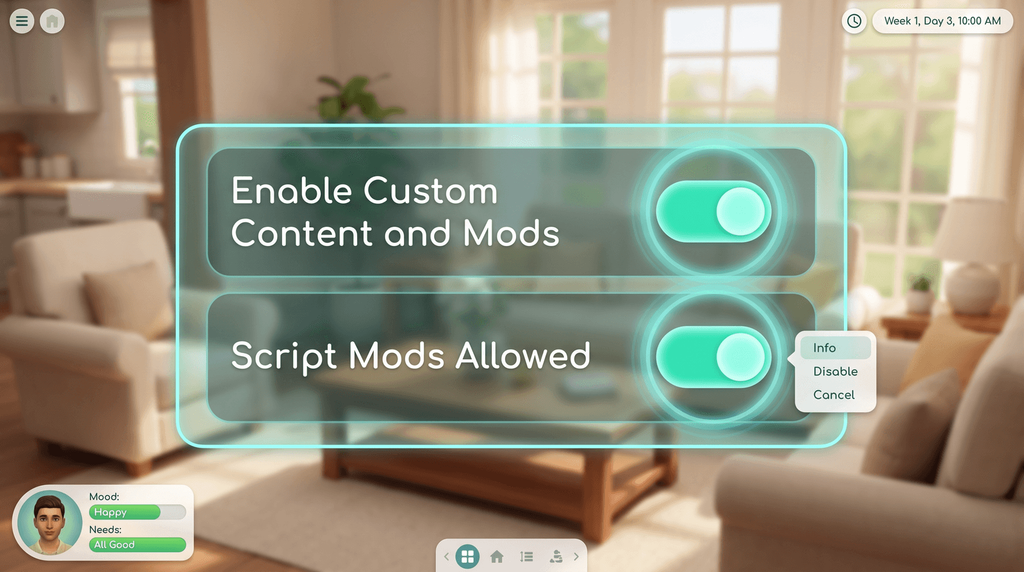
Start the game and open Game Options, then Other. Tick Enable Custom Content and Mods, then tick Script Mods Allowed.
Restart the game
Close The Sims 4 and start it again. Script Mods Allowed only takes effect after a restart.
Check the mod loaded
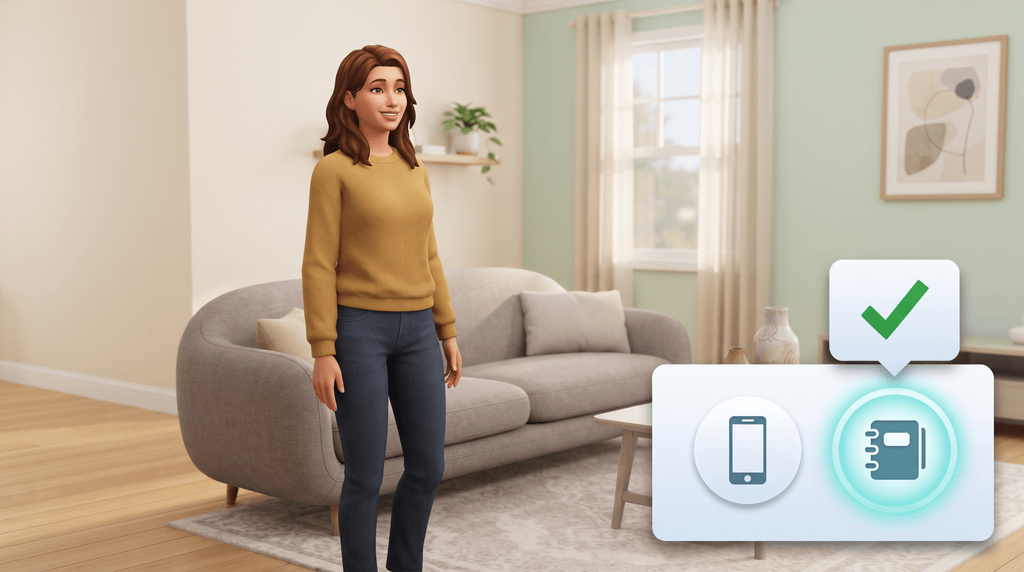
Load a save and right-click the notebook icon next to the phone icon. The installed version appears.
Why the script file cannot sit deeper
The game reads script mods no more than one subfolder below Mods, so Mods > UI Cheats Extension > file.ts4script loads and anything deeper does not. The package file is more forgiving, which is why a broken install often shows menus that do nothing.
Where the Mods folder lives
It is in your Documents folder on both platforms, never in the game's install folder.
| Platform | Path |
|---|---|
| Windows | C:\Users\<YourUsername>\Documents\Electronic Arts\The Sims 4\Mods |
| macOS | /Users/<YourUsername>/Documents/Electronic Arts/The Sims 4/Mods |
Steam, OneDrive and a missing Mods folder
Steam players use that same folder. Files placed in SteamLibrary\steamapps\common\The Sims 4\Mods are ignored.
If the folder is not there, launch the game once with mods enabled and it is created for you. You can also make it yourself, spelled exactly like that.
On Windows, a Documents folder redirected into OneDrive can make the game ignore Mods entirely, and players report OneDrive restoring mod files after they delete them. Move the Electronic Arts folder back to a local drive, or exclude The Sims 4 folders from sync.
Check it worked
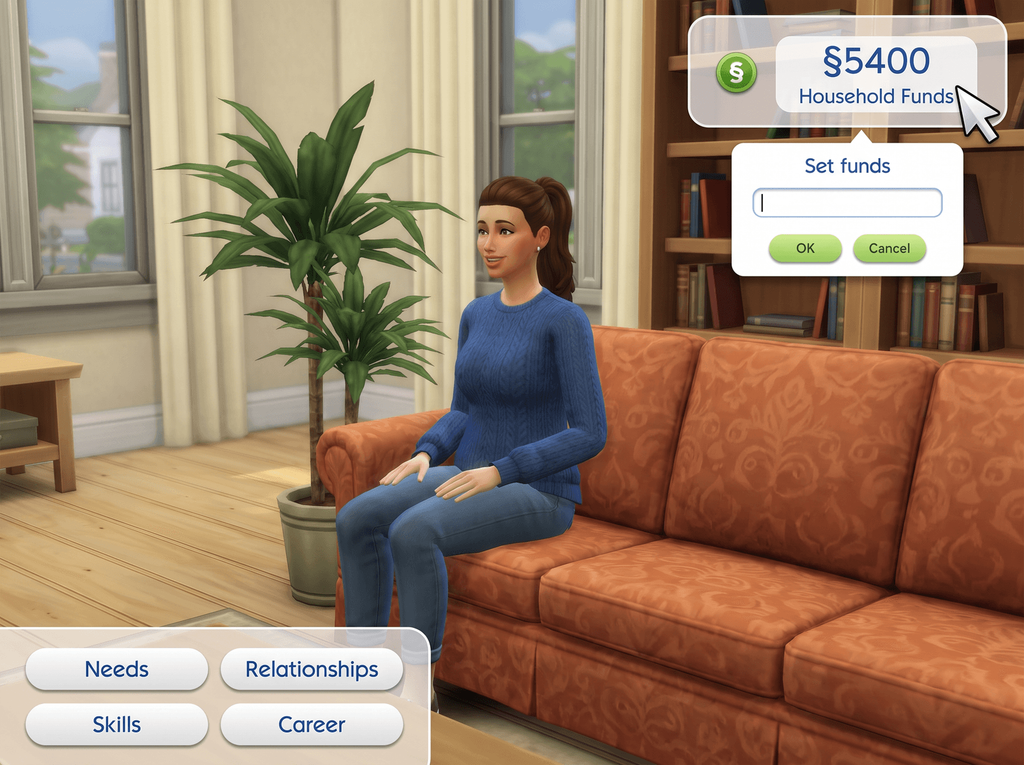
- Right-click the notebook icon next to the phone: the installed version appears.
- Or type
ui_cheats.mod_versionin the cheat console in Live mode. - In the Mods menu, the package file sits under Custom Content, the script under Script Mods.
It works. Next, see what to click once it is installed.
After every game patch
- Let the game finish updating before you launch it.
- Check your mod version with the notebook icon or
ui_cheats.mod_version. - Delete the old package and script files, then copy the new ones in.
- Restart and check the version again.
The version history lists every release with the game patch it was built for.
If it did not work
Find your symptom, then fix that one thing.
| Symptom | Cause | Fix |
|---|---|---|
| No menu at all on right-click | Neither file loaded, or mods are switched off | Re-check both Game Options toggles, then restart |
| Dialog opens, values do nothing | The script file is not loading | Check it is present and no more than one subfolder deep |
| Panels glitched, blank or frozen | Version mismatch | Update the game, then install the current mod release |
| Nothing changed at all | The zip was copied into Mods without being extracted | Extract it and move the two files in |
| Worked until you added another mod | Another interface mod overrides the same resources | Test UI Cheats alone, then add the others back one at a time |
Frequently asked questions
Is UI Cheats free?
Yes. weerbesu has released it free since June 2015, and the zip on this page is his unmodified file, served from this site.
Does the Steam version install differently?
No. The Sims 4 reads mods from your Documents folder whichever launcher you use. Never put mod files in the Steam install directory, because the game ignores them there.
Do I need testingcheats true?
Not for the mod’s own click menus. That requirement was dropped in v1.1 in 2015. You still need testingcheats true for shift-click menus and most typed commands.
Is the install different on a Mac?
No. Same zip, same two files, same settings. Only the folder path is written differently, and the Mac install guide walks through it in Finder.