UI Cheats vs MC Command Center
Updated Checked against UI Cheats v1.59.1
UI Cheats changes the Sim in front of you. MC Command Center keeps the neighbourhood moving while you play.
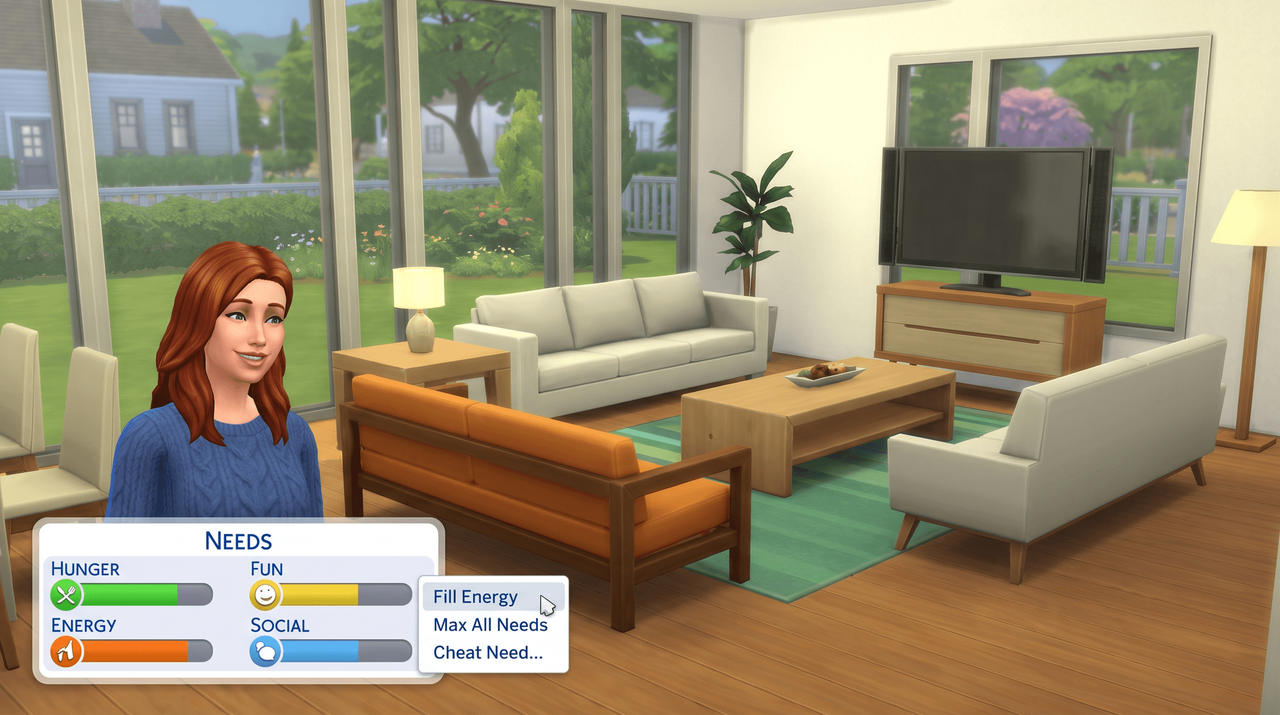
Free. Made by weerbesu, served from this site. Built for game patch 1.127.41. What is in the zip
v1.59.1· game patch 1.127.41Released · checked · Changelog on uicheats.weerbesu.com, opens in a new tab
Side by side
| UI Cheats Extension | MC Command Center | |
|---|---|---|
| What it is | Cheat actions added to the game's own interface panels, by weerbesu | A separate script mod built around NPC story progression, by Deaderpool |
| How you use it | Left-click and right-click bars, counters and icons while you play | Settings you choose once and leave running |
| What it changes | The Sim or household you have selected, at the moment you click | The Sims you are not controlling, over time |
| Conflicts | Only with other mods that override the same interface resources | None reported with UI Cheats: the two touch different systems |
| Script Mods Allowed | Required, with a full restart | Required, as for any script mod |
| Console support | No | No |
| After a game patch | Needs a new build. v1.59.1 is built for 1.127.41 | Check the mod's own site |
| Best for | Players tired of typing cheat codes | Players who want the world to change on its own |
What each mod does
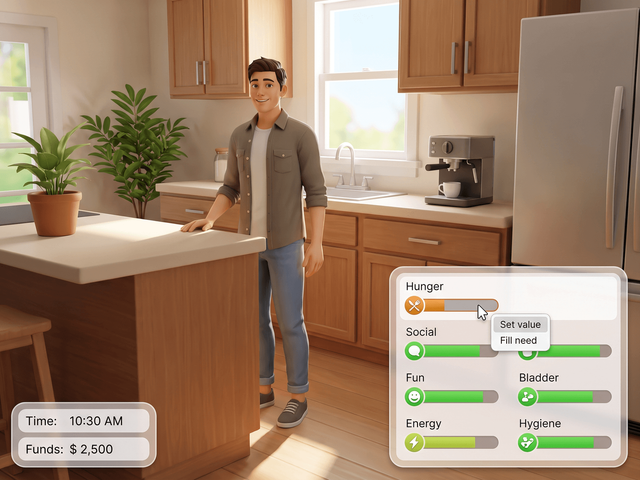
UI Cheats Extension
- Right-click a needs bar, type -100 to 100.
- Right-click the money counter to set funds.
- Right-click a skill bar to pick a level.
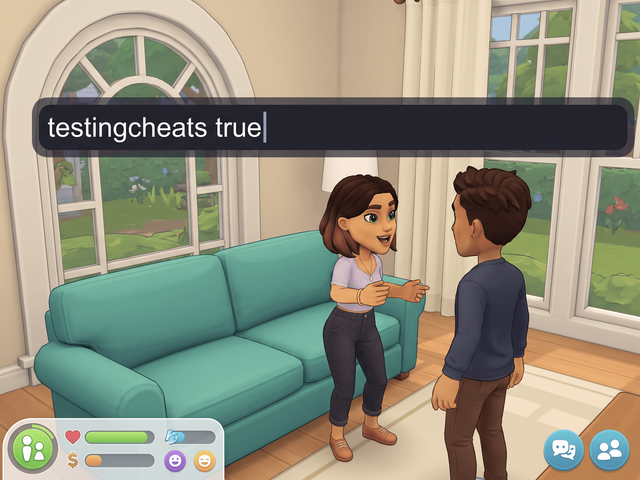
- No testingcheats needed, since v1.1.
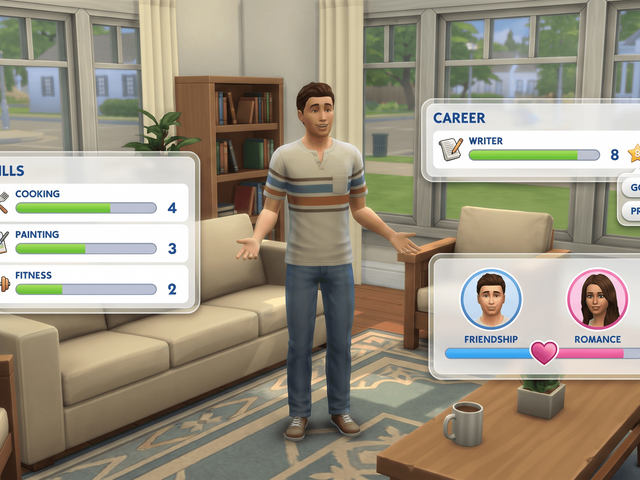
MC Command Center
- A separate script mod by Deaderpool.
- Known for NPC story progression.
- Changes the Sims you are not playing.
- Needs Script Mods Allowed, like any script mod.
Can you run both?
Yes. weerbesu says UI Cheats only clashes with other interface mods, not with script mods like MCCC.
How a real conflict shows up
When two user interface mods do collide, the game reads the first one it finds and ignores the second, so the second mod just does not work properly. Nothing crashes and nothing warns you.
weerbesu also notes that unrelated game problems are unlikely to come from that kind of conflict, so if your game is misbehaving in some other way, look elsewhere first. If you run several interface mods, install UI Cheats with everything else taken out, confirm it works, then put the others back one at a time.
Either install order works. Keep exactly one copy of each mod: old versions, backups and renamed copies left in the Mods folder cause problems that look like conflicts and are not. Our install UI Cheats guide has the full sequence.
What neither of them does
- Neither runs on Xbox or PlayStation. Both ship a script file.
- Build mode cheats such as bb.moveobjects are still typed: Build mode cheats.
- So are pregnancy cheats and death cheats.
- UI Cheats needs a fresh build after every game patch: the version history.
Frequently asked questions
What is the difference between MCCC and UI Cheats?
UI Cheats adds cheat actions to the panels the game already shows you, so you right-click a bar, a counter or an icon and type a value. MC Command Center is a separate script mod, and the feature it is known for is NPC story progression: it keeps changing the Sims you are not playing.
Can you use UI Cheats and MC Command Center together?
Yes. weerbesu states that UI Cheats only conflicts with other user interface mods that override the same resources, and that it does not conflict with script mods or tuning mods. MC Command Center is a script mod, and the third-party guides we checked report the pair working side by side.
Does either of them work on Xbox or PlayStation?
No. Both are script mods, and The Sims 4 on consoles does not load script mods of any kind. On console you use the built-in cheat console instead.