On this page
Sims 4 relationship cheats
Updated 8 cheats
The relationship cheat is modifyrelationship: both Sims' full names, a number from -100 to 100, and the bar to change.
Copy this example
modifyrelationship Bob Pancakes Eliza Pancakes 100 LTR_Friendship_Main
The four name arguments
modifyrelationship takes four name arguments: the first and last name of Sim one, then of Sim two. A space separates each argument, so a surname containing a space has no documented way to be passed. None of the sources behind this page covers that case.
Check whether you have used a nickname rather than the Sim's given name, and whether two Sims in the save share a full name. Capitalisation is not the culprit: cheat codes in The Sims 4 are not case sensitive.
The two commands that build relationships from nothing are spelled inconsistently: relationship.introduce_sim_to_all_others is singular and relationships.create_friends_for_sim is plural. That is the game's doing, not a typo in the table.

Top relationship cheats
| Command | What it does | Notes | Copy |
|---|---|---|---|
Commandmodifyrelationship <Sim1First> <Sim1Last> <Sim2First> <Sim2Last> <value> LTR_Friendship_Main | What it doesAdds that value to the friendship score between the two named Sims. | NotesBoth Sims need a first and a last name, spelled exactly as the game spells them. | |
Commandmodifyrelationship <Sim1First> <Sim1Last> <Sim2First> <Sim2Last> <value> LTR_Romance_Main | What it doesAdds that value to the romance score between the two named Sims. | NotesRomance is a separate bar from friendship, so raising one does not raise the other. | |
Commandmodifyrelationship <Sim1First> <Sim1Last> <Sim2First> <Sim2Last> -<value> LTR_Friendship_Main | What it doesSubtracts from friendship. Put a minus sign in front of the number. | NotesUse -100 to take a friendship all the way to the bottom of the bar. | |
Commandrelationships.create_friends_for_sim | What it doesSpawns a brand new Sim on the lot who is already a friend of the active Sim. | NotesThe prefix is plural here. Repeat the command to spawn more. Turn cheats on first if nothing seems to happen. | |
Commandrelationship.introduce_sim_to_all_others | What it doesIntroduces the active Sim to every other Sim in the world, so they all appear in the relationship panel. | NotesThe prefix is singular here. Turn cheats on first if nothing seems to happen. |
Set friends, enemies or romance
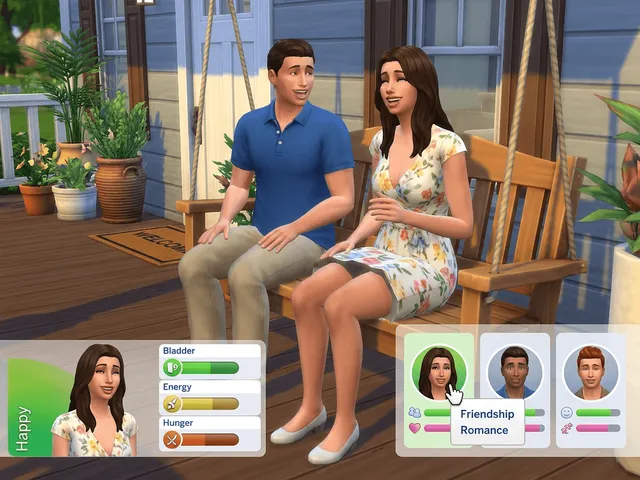
Max friendship
- End the command with
100 LTR_Friendship_Main.
- End the command with
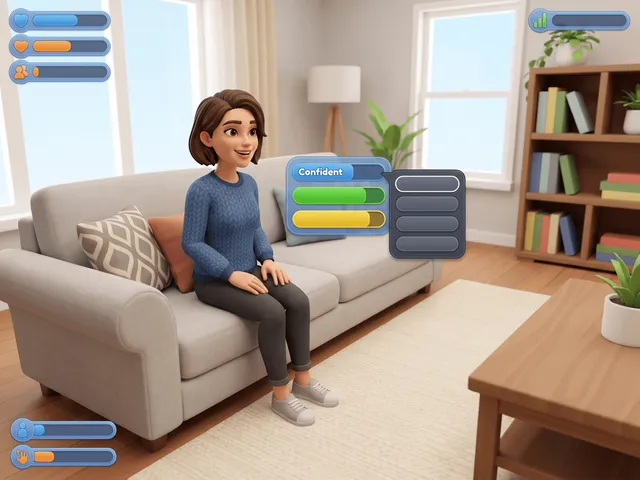
Lowest friendship
- End it with
-100 LTR_Friendship_Main.
- End it with
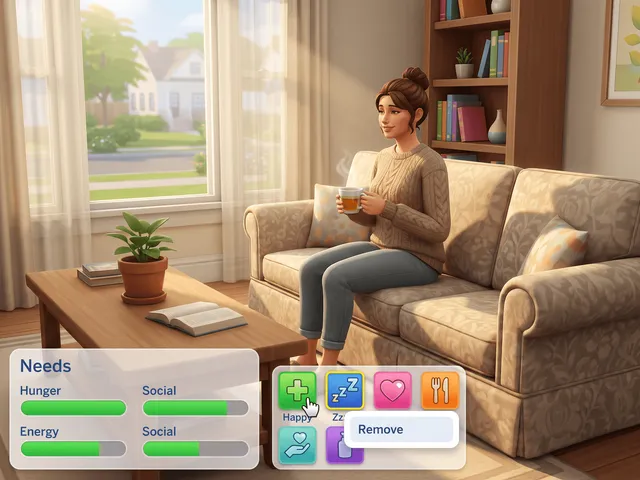
Max romance
- End it with
100 LTR_Romance_Main.
- End it with
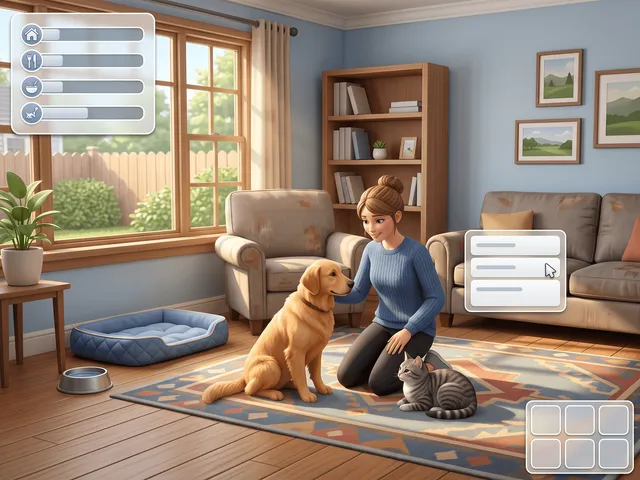
Max pet friendship
- End it with
100 LTR_SimtoPet_Friendship_Main. Needs Cats & Dogs.
- End it with


Turn cheats on first
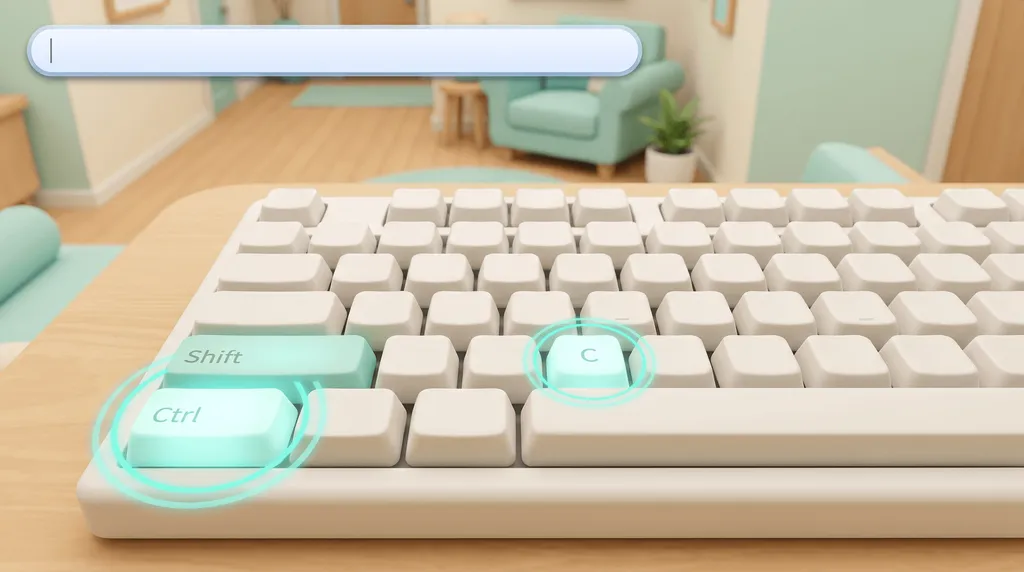
Open the console
Press Ctrl + Shift + C, or hold all four shoulder buttons on a controller.
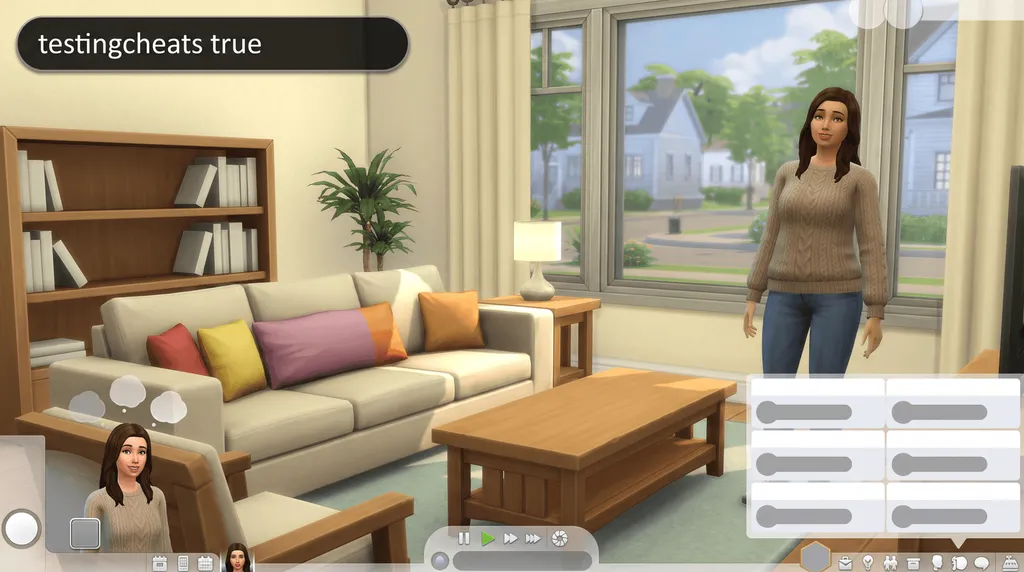
Type testingcheats true
Without it, nothing on this page runs.


The switch does not stick
testingcheats true does not survive loading a different save, so enter it again after you switch.
Every relationship cheat
Friendship and romance between two Sims
Name both Sims, give it a number, then say which bar you want to move.
| Command | What it does | Notes | Copy |
|---|---|---|---|
Commandmodifyrelationship <Sim1First> <Sim1Last> <Sim2First> <Sim2Last> <value> LTR_Friendship_Main | What it doesAdds that value to the friendship score between the two named Sims. | NotesBoth Sims need a first and a last name, spelled exactly as the game spells them. | |
Commandmodifyrelationship <Sim1First> <Sim1Last> <Sim2First> <Sim2Last> -<value> LTR_Friendship_Main | What it doesSubtracts from friendship. Put a minus sign in front of the number. | NotesUse -100 to take a friendship all the way to the bottom of the bar. | |
Commandmodifyrelationship <Sim1First> <Sim1Last> <Sim2First> <Sim2Last> <value> LTR_Romance_Main | What it doesAdds that value to the romance score between the two named Sims. | NotesRomance is a separate bar from friendship, so raising one does not raise the other. | |
Commandmodifyrelationship <Sim1First> <Sim1Last> <Sim2First> <Sim2Last> -<value> LTR_Romance_Main | What it doesSubtracts from romance. | Notes |
Sims and pets
The same command, with the pet in place of the second Sim and a different bar name.
| Command | What it does | Notes | Copy |
|---|---|---|---|
Commandmodifyrelationship <SimFirst> <SimLast> <PetFirst> <PetLast> <value> LTR_SimtoPet_Friendship_Main | What it doesChanges the friendship between a Sim and a pet. | NotesUse the pet's full name as it appears in the household, including the surname it inherited. | |
CommandShift-click an animal > Cheat relationship > Set max friendship | What it doesMaxes your relationship with an animal from the shift-click menu. | NotesOn console, shift-click is Circle and X, or B and A. |
Meeting Sims and filling the relationship panel
These create relationships rather than adjust the ones you already have.
| Command | What it does | Notes | Copy |
|---|---|---|---|
Commandrelationship.introduce_sim_to_all_others | What it doesIntroduces the active Sim to every other Sim in the world, so they all appear in the relationship panel. | NotesThe prefix is singular here. Turn cheats on first if nothing seems to happen. | |
Commandrelationships.create_friends_for_sim | What it doesSpawns a brand new Sim on the lot who is already a friend of the active Sim. | NotesThe prefix is plural here. Repeat the command to spawn more. Turn cheats on first if nothing seems to happen. |
How the -100 to 100 scale works
| Level | Friendship bar |
|---|---|
| Acquaintances | Below 40 |
| Friend | 40 to 59 |
| Good Friend | 60 to 79 |
| Best Friends | 80 and up |
- The number adds to the current score. 100 fills a bar and -100 empties it.
- Best Friends also needs one Sim to ask the other.
Why stages have no command
No stage of a relationship has its own command. Friendship is a single score, so raising it far enough carries the relationship along with it, and romance is a second score that behaves the same way on its own. Two Sims sitting at 40 friendship who get a 30 end up at 70.
Sentiments and relationship bits
What UI Cheats does instead
In a Sim's profile, right-click the green Sentiments title bar to add one, and right-click a sentiment to remove it or set its value from 0 to 100. The same pattern covers relationship bits under the green Relationships title bar.
Console and achievements
With the UI Cheats Extension
weerbesu's UI Cheats mod makes the relationship panel clickable.
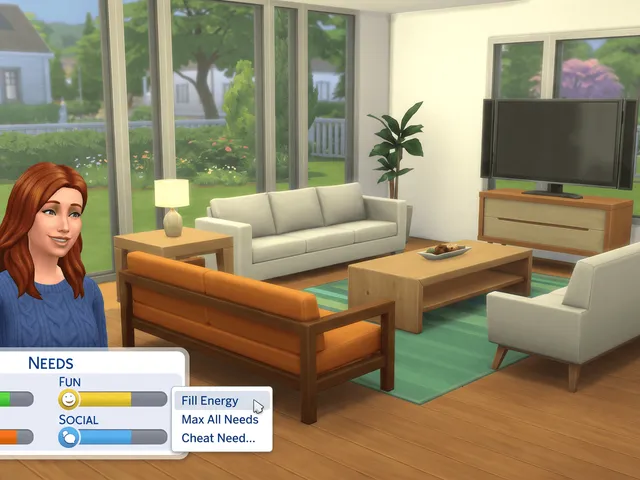
Relationships panel
- Right-click a Sim to set friendship or romance.
- Add any Sim, even one yours has never met.
- Right-click a known Attraction or Romantic Satisfaction to set it (Lovestruck, since v1.44).

What the mod needs
Deleting a relationship and removing a romance bar have no console equivalent at all.
UI Cheats is a script mod, so Script Mods Allowed has to be on in Game Options and the mod has to match your game version. The install guide covers the setup, and the troubleshooting page covers a right-click that does nothing. On PlayStation and Xbox you type the command instead, because those platforms load no script mods. More on UI Cheats on console.
Frequently asked questions
What is the relationship cheat?
It is modifyrelationship, with both Sims' full names, a number, and LTR_Friendship_Main or LTR_Romance_Main on the end.
Can two Sims hate each other?
Yes. Put a minus sign in front of the number. -100 takes the bar to the bottom, and romance works the same way.
How do I make two Sims best friends with a cheat?
Add 100 to LTR_Friendship_Main to fill the bar. Best Friends is the 80 and up range of that bar, and one Sim then has to ask the other.
Can you cheat a pet relationship?
Yes, with Cats & Dogs. Use the pet in place of the second Sim and end with LTR_SimtoPet_Friendship_Main.


