On this page
Sims 4 move objects cheat
Updated PC, Mac, Xbox, PlayStation
Type bb.moveobjects on in the cheat console and objects stop snapping into place. They can overlap, clip into walls and sit off the grid.

The move objects cheat
| Command | What it does | Notes | Copy |
|---|---|---|---|
Commandbb.moveobjects | What it doesRemoves placement restrictions, so objects can overlap, clip into each other and sit off the grid. | NotesEA's pages type it as bb.moveobjects on, and both forms are in common use. |
Turn it on
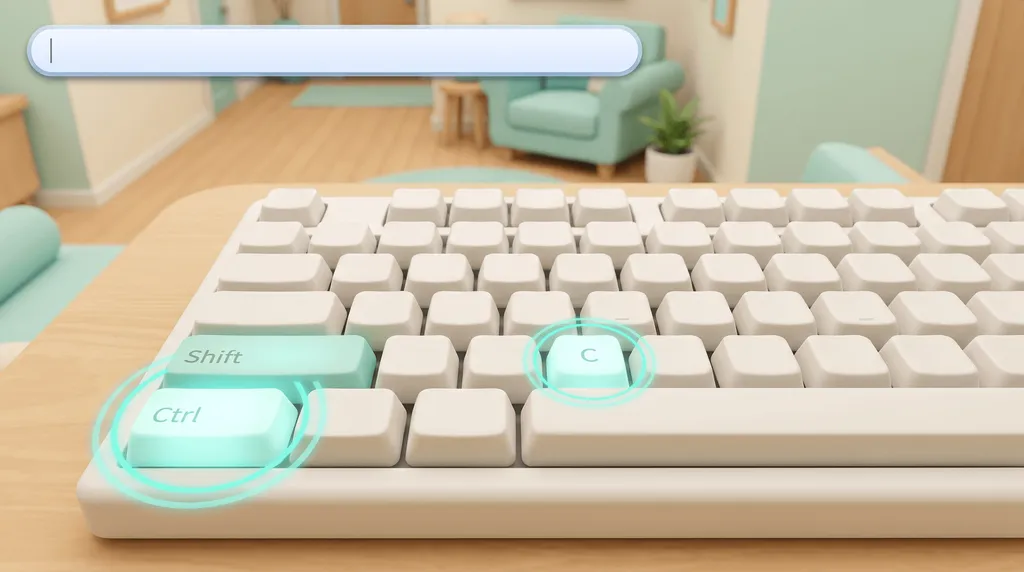
Open the console
Ctrl + Shift + C on PC and Mac. How to enable cheats has PlayStation and Xbox.
Type bb.moveobjects on
Press Enter, then select an object and place it anywhere on the lot.
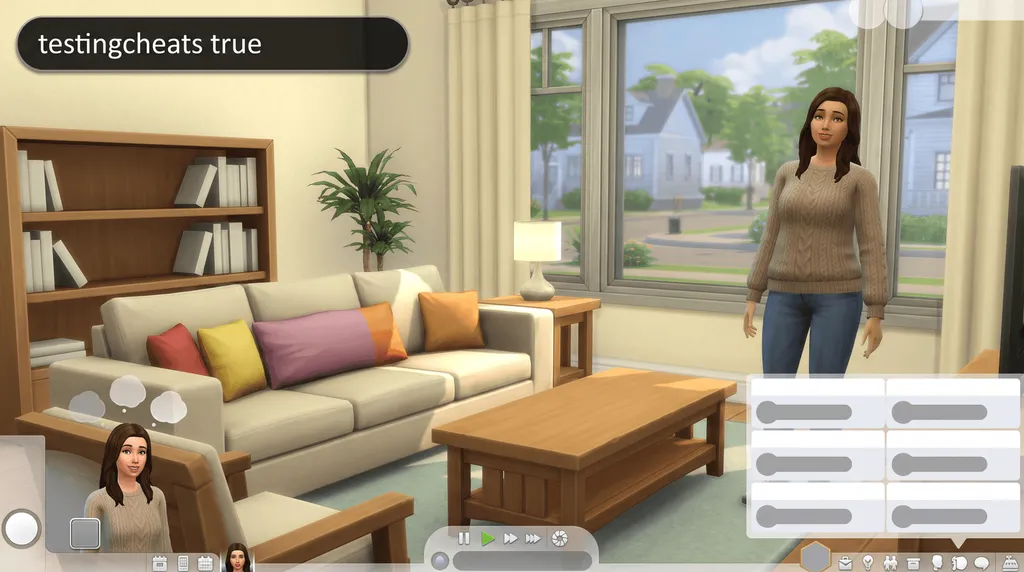
If nothing happens, add testingcheats true
EA's help article types it first. Then enter bb.moveobjects on again.


Rotate objects, or turn them freely
| Platform | Turn 45 degrees | Turn freely |
|---|---|---|
| PC | Right-click, or press . (clockwise) and , (counter-clockwise) | Hold left-click and Alt, then move the mouse |
| Mac | Right mouse button, then the right arrow key, or . and , | Hold left-click and Alt, then move the mouse |
| PlayStation | R1 clockwise, R2 counter-clockwise | Hold L1 and R1, turn the right stick |
| Xbox | RB clockwise, LB counter-clockwise | Hold LB and RB, turn the right stick |
Alt works with the mouse only, not the keyboard.
With The Sims 3 Camera setting
On PC, left-click and hold the object, then move the mouse to turn it. You can also press period and comma while you hold it.
Resize objects
EA documents the controller pairs. On PC and Mac most guides give [ and ], which EA does not list, so treat the keys as a tip.
| Command | What it does | Notes | Copy |
|---|---|---|---|
CommandHold L2 + R2 and press D-pad up or down | What it doesMakes the selected object bigger or smaller. | Notes | |
CommandHold LT + RT and press D-pad up or down | What it doesMakes the selected object bigger or smaller. | Notes |
Console and achievements
With the UI Cheats Extension
Build mode is not in the feature list of Sims 4 UI Cheats, so you type the bb. commands.
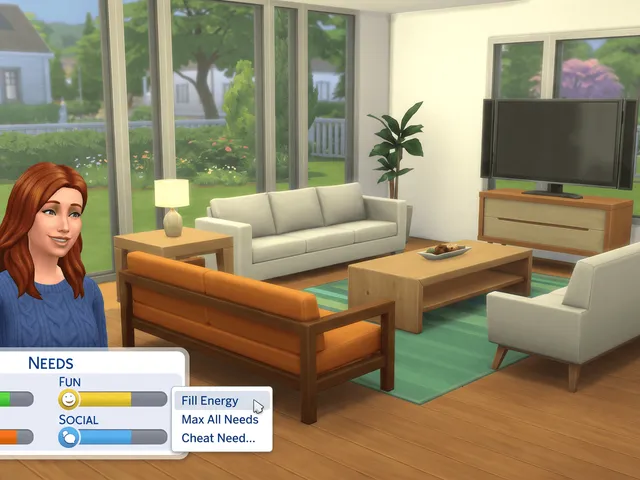
What it does instead
- Right-click needs, money, skills or careers to set them.
- Free, by weerbesu, for PC and Mac.

Frequently asked questions
Why does my object still snap to the grid?
The cheat lifts the placement rules, but turning still snaps in 45 degree steps. Hold Alt while you drag with the mouse to turn it freely. On a controller, hold L1 and R1 (PlayStation) or LB and RB (Xbox) and use the right stick.
Does bb.moveobjects work on PS5 and Xbox?
Yes. Open the cheat bar with all four shoulder buttons and type bb.moveobjects on, exactly as on PC. EA lists it with the Build mode console cheats.
Do I need testingcheats for it?
EA's two pages differ. The cheats FAQ says Build mode cheats only need the code and keep your achievements, while EA's help article types testingcheats true first. Try the cheat on its own, and add testingcheats if nothing happens.


