On this page
Installing UI Cheats on a Mac
Updated Checked against UI Cheats v1.59.1About 5 minutes
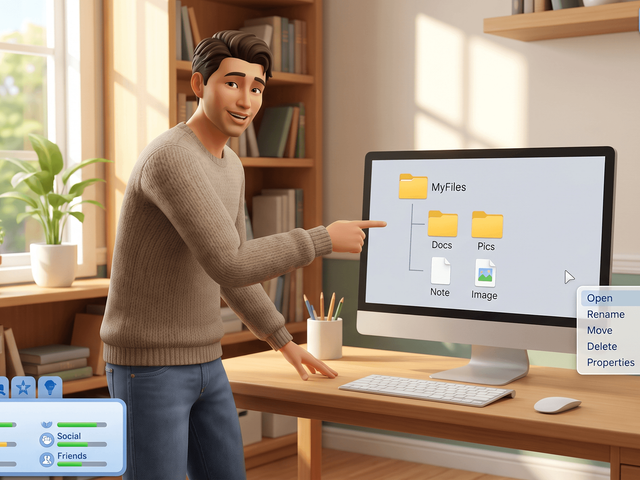
Same zip as Windows, same two files, same two settings. Only the folder path and the unzip step look different on a Mac.
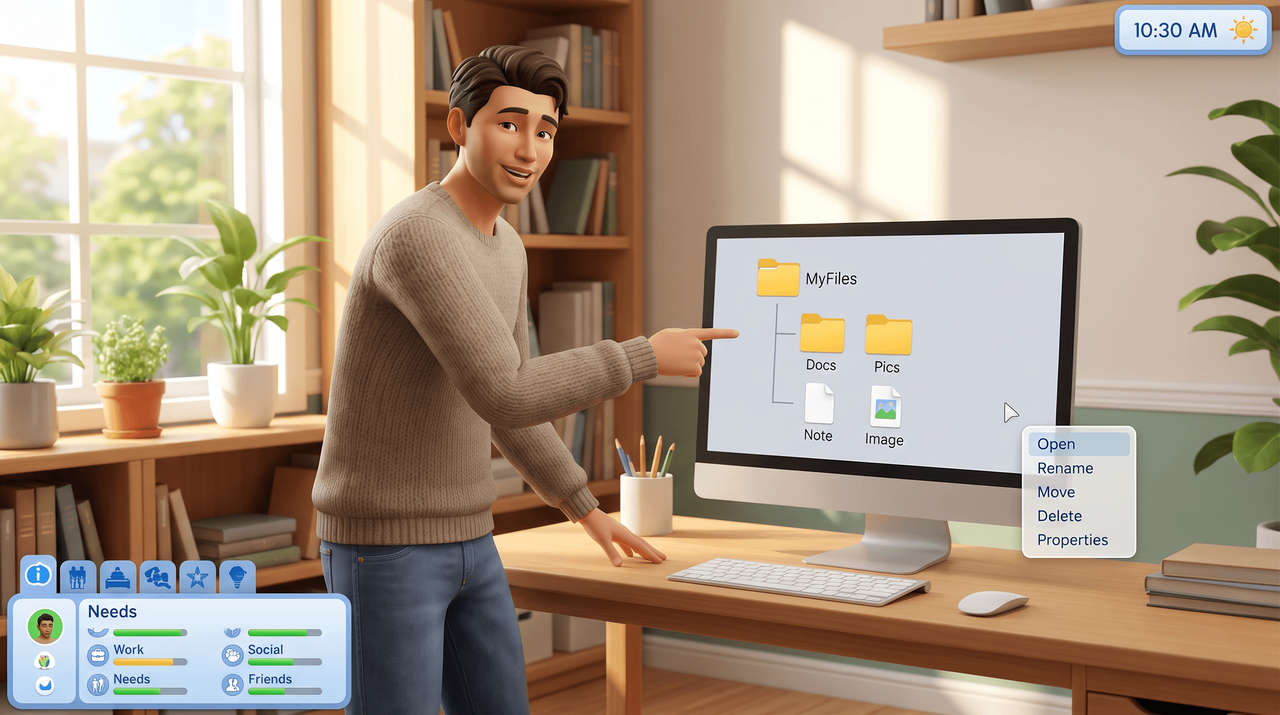
Free. Made by weerbesu, served from this site. Built for game patch 1.127.41. What is in the zip
v1.59.1· game patch 1.127.41Released · checked · Changelog on uicheats.weerbesu.com, opens in a new tab
Does UI Cheats work on a Mac?
Version still matters. v1.59.1, released 27 August 2026, is built for game version 1.127.41 and will not work on older versions.
Legacy Edition and older Macs
The Sims 4 Legacy Edition is the build for 32-bit PCs and for Macs without Metal support. It gets a separate, frozen copy of the mod: weerbesu points Legacy Edition players at UI Cheats Extension v1.15.1 on Mod The Sims.
That listing reports game version 1.58.63 and was last updated on 17 August 2022, so it has none of the features added since. On a current Mac running the current game, take v1.59.1 instead.
Install it in seven steps

Download the zip
Press the download button at the top of this page. One download covers Windows and macOS, and it is about 15 MB.
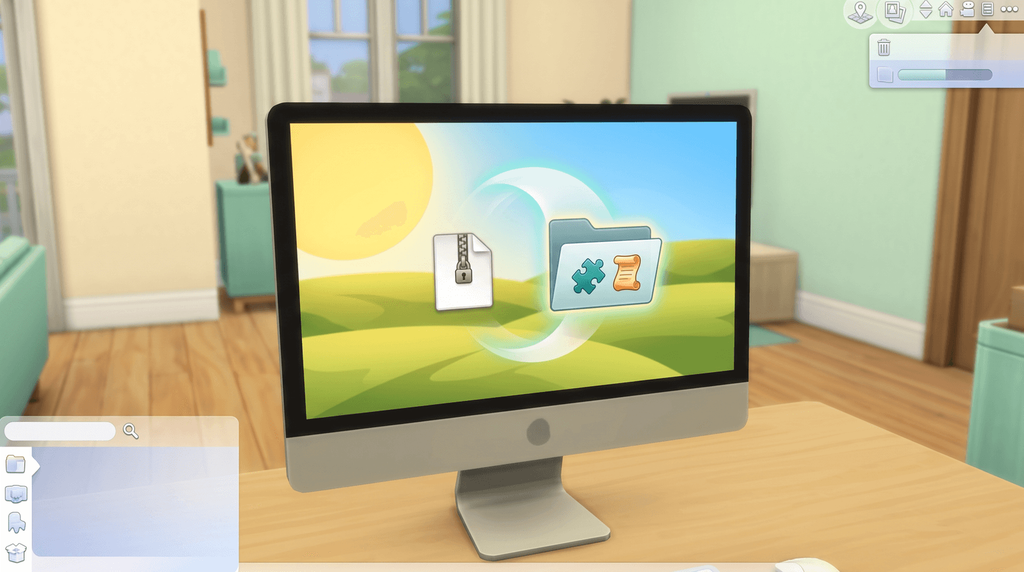
Unzip it in Finder
Double-click the zip and macOS expands it beside the archive. Safari may have expanded it for you already, so look for the folder.
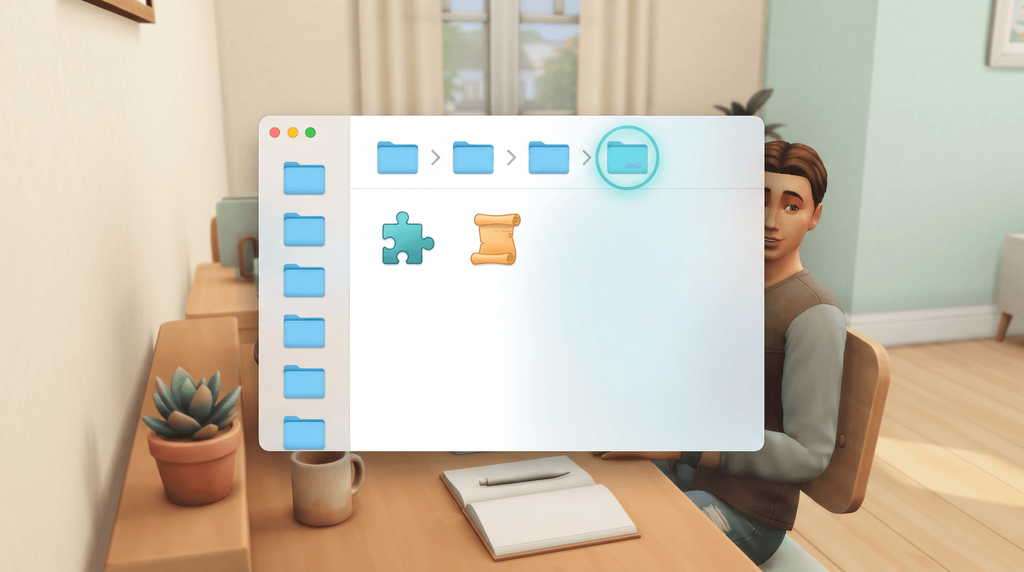
Open the Mods folder
In Finder choose Go, then Go to Folder. Paste ~/Documents/Electronic Arts/The Sims 4/Mods and press Return.
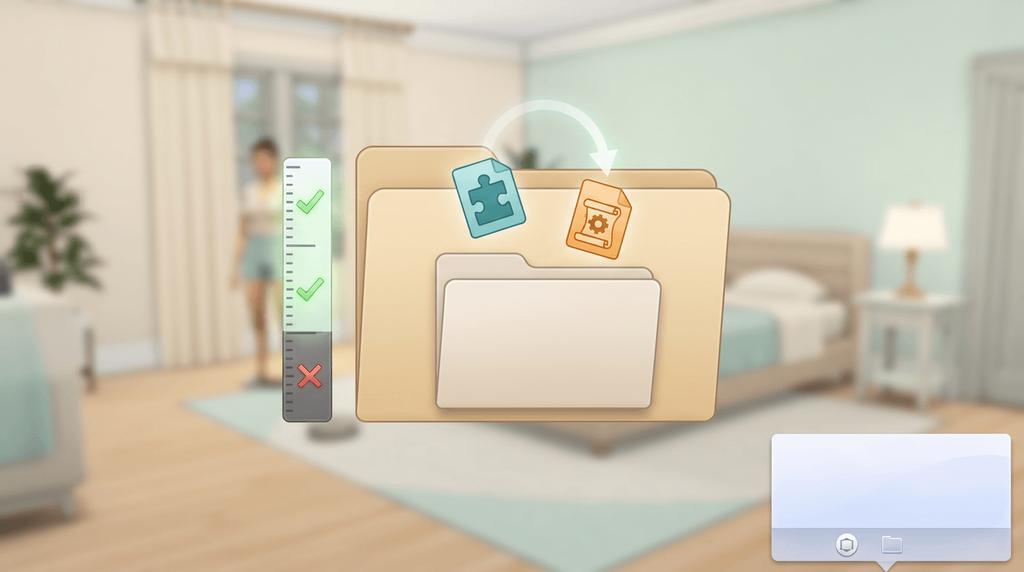
Drag both files in
Move the package file and the script file into Mods. One subfolder is fine, and anything deeper stops the script file loading.
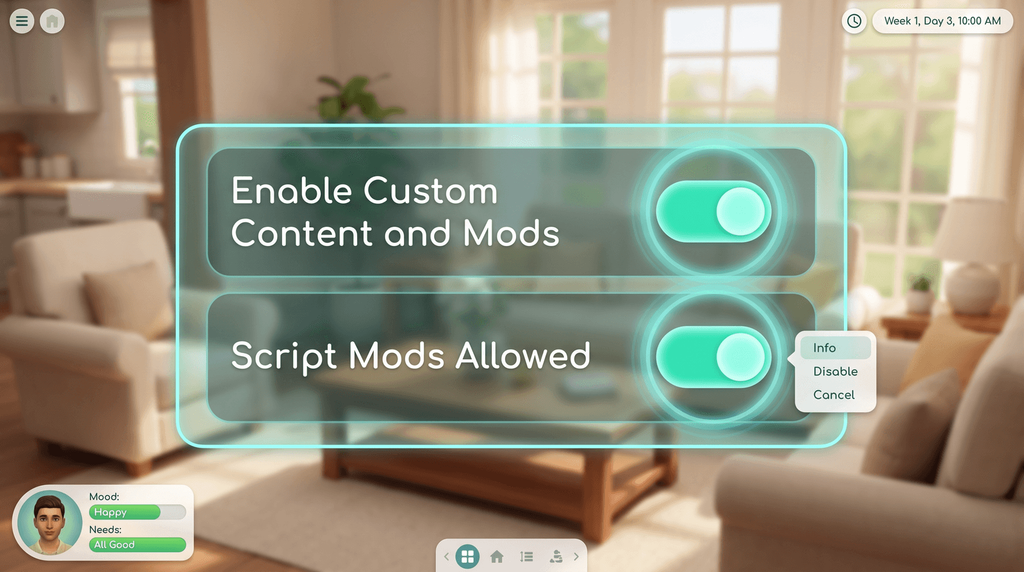
Switch on both mod settings
Start the game and open Game Options, then Other. Tick Enable Custom Content and Mods, then tick Script Mods Allowed.
Quit and reopen the game
Quit The Sims 4 with Command+Q rather than leaving it running. Script Mods Allowed only takes effect after a restart.

Check the mod loaded
Load a save and right-click the notebook icon next to the phone icon. The installed version appears.
For Windows paths and the OneDrive trap, read the main installation guide.
Where the Mods folder lives on macOS
Put your own user name in place of the angle brackets.
| Route | What to use |
|---|---|
| Full path | /Users/<YourUsername>/Documents/Electronic Arts/The Sims 4/Mods |
| Finder shortcut | Go > Go to Folder (Shift-Command-G), then ~/Documents/Electronic Arts/The Sims 4/Mods |
| Steam on a Mac | The same Documents folder. Files in the Steam install directory are ignored. |
If the folder is missing, launch the game once with mods enabled and it is created.
Opening the cheat console on a Mac
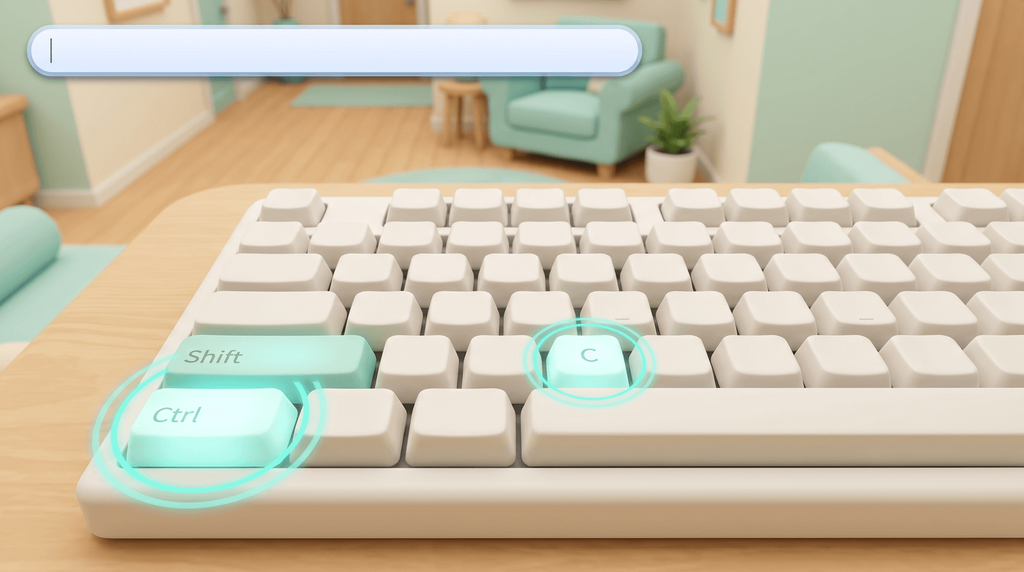
You do not need the console to use UI Cheats. You do need it for ui_cheats.mod_version and for any cheat the mod does not cover.
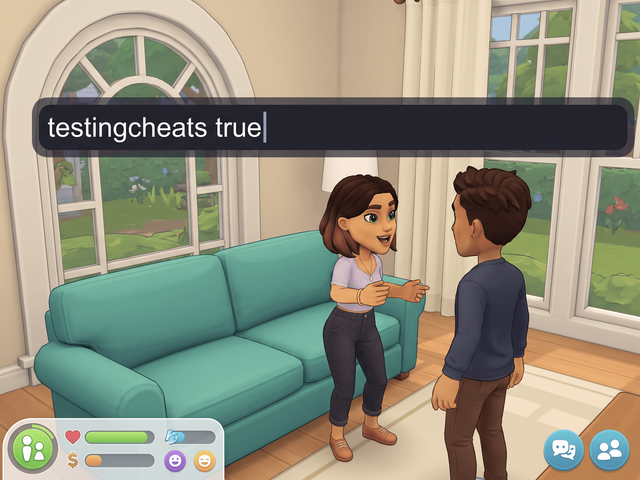
Which keys open it is genuinely unsettled, so the caption gives both. Full walkthrough: how to enable cheats in The Sims 4.
Where the two keystrokes come from
EA's own cheat FAQ gives Control+Shift+C for "your PC or Mac". SnootySims and Sims Community both give Command+Shift+C, and players report both working, so try one and then the other.
testingcheats true switches on the cheats that are not always available. UI Cheats itself has not needed it since v1.1 in 2015.
When the mod will not load on a Mac
The causes are the same as on Windows. Work down the table in order.
| Symptom | Fix |
|---|---|
| Glitched, missing or frozen panels | Version mismatch. Update the game fully, then install the current mod release. |
| Dialog opens, the value does nothing | The script file is not loading. Check it is present and no more than one subfolder deep. |
| Nothing happens at all | The zip was never expanded, or Script Mods Allowed is off. Expand it, switch the setting on, apply, then quit and reopen the game. |
| It worked, then stopped | Two copies installed, or another interface mod overrides the same resources. Keep one copy, test UI Cheats alone, then add other mods back one at a time. |
| Stale interface right after an update | Delete localthumbcache.package from /Users/<YourUsername>/Documents/Electronic Arts/The Sims 4/ and let the game rebuild it. |
The longer ordered version is on the UI Cheats troubleshooting page.
Terminal commands, Gatekeeper and iCloud Drive
Some Mac guides tell you to clear a quarantine attribute, adjust Gatekeeper or run a Terminal command against your Mods folder. We could not source any of that for this mod, and several guides state the Mac process is identical to Windows.
Neither file is an application you launch, so there is nothing to approve. Do not run a command against your own Documents folder because a guide told you to.
The documented folder fault is Windows only: Documents folders redirected into OneDrive. We found no equivalent report for iCloud Drive, so treat that as an open question rather than a fix. Reinstalling The Sims 4 is never a proportionate fix for two files in one folder.
Frequently asked questions
Is the Mac install different from the Windows one?
No. Same zip, same two files, same Game Options toggles, same restart. Only the folder path is written differently, because macOS puts your Documents folder under /Users/.
Where is the Sims 4 Mods folder on a Mac?
/Users/<YourUsername>/Documents/Electronic Arts/The Sims 4/Mods. The quickest route is Finder, then Go > Go to Folder, then ~/Documents/Electronic Arts/The Sims 4/Mods.
Is the cheat console Control+Shift+C or Command+Shift+C?
Both are reported. EA's own cheat FAQ gives Control+Shift+C for PC and Mac, while SnootySims and Sims Community give Command+Shift+C. Try Control+Shift+C first.
Is there a separate Mac download?
No. There is one file for both platforms. Anything advertised as a "Mac version" of UI Cheats did not come from weerbesu.
Do I need to clear a quarantine flag or change permissions?
No source we could check documents a quarantine or permissions step for these files, and several guides say the Mac process is identical to Windows. Treat advice to run Terminal commands on your Mods folder as unconfirmed.