UI Cheats Extension: frequently asked questions
Updated Checked against UI Cheats v1.59.116 questions
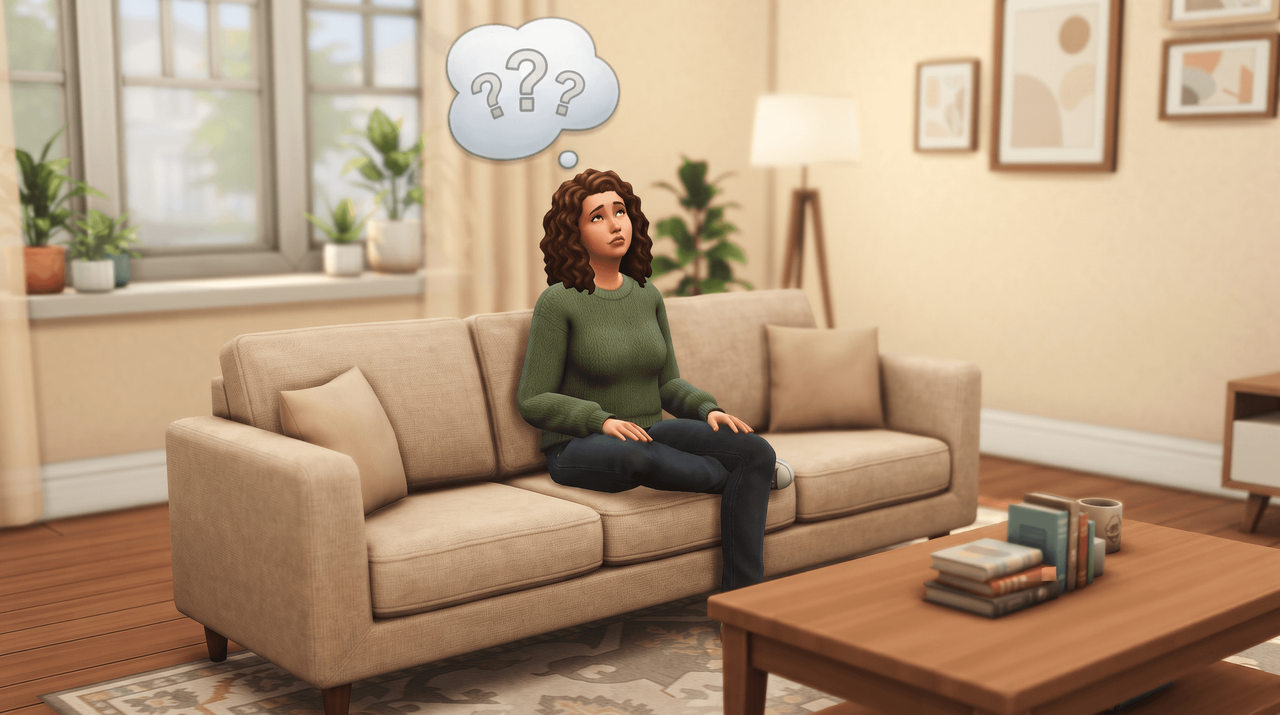
Short answers about UI Cheats: what it costs, whether it is safe, where the files go, and what breaks it.
v1.59.1· game patch 1.127.41Released · checked · Changelog on uicheats.weerbesu.com, opens in a new tab
The mod, its cost and its safety
What is the UI Cheats Extension?
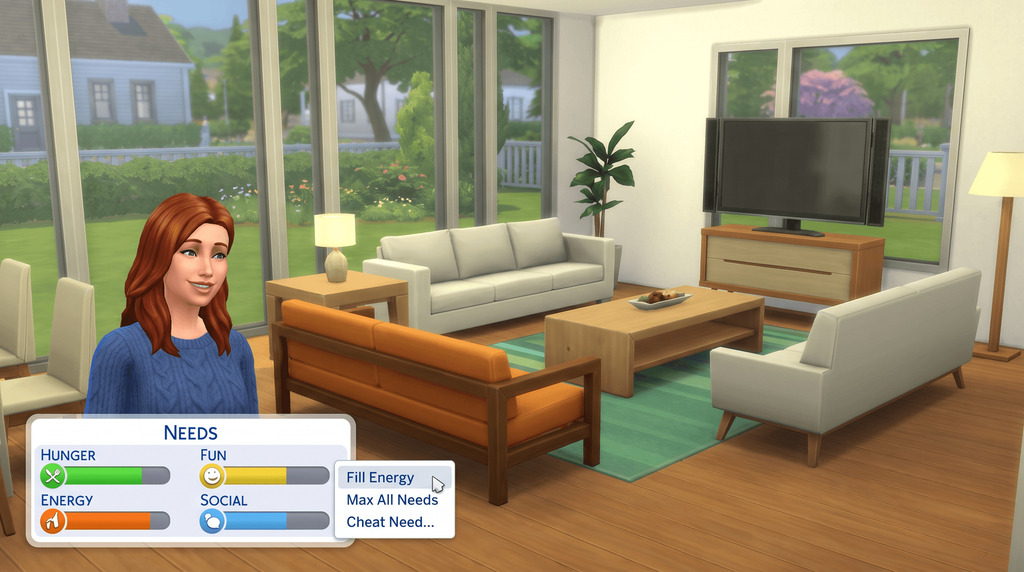
A free Sims 4 mod by weerbesu. Instead of typing a cheat code, you click or right-click the panel you want to change: the money counter, a needs bar, a skill bar, a relationship.
It runs on the base game, with no packs needed. Every feature, panel by panel.
Is UI Cheats free?
Yes, and no pledge is needed. Patreon's own record of the release post marks it as unpaid, with a zero minimum pledge to view.
Paying weerbesu is optional and supports the work. It does not get you a different file.
Where does the download on this site come from?
It is the unmodified zip from weerbesu's own release post, served from this domain since 23 September 2026.
The download page prints the file name, the exact size and the SHA-256 checksum, so you can check what you got. weerbesu is the author, and his post is linked there as the place to support him.
Is UI Cheats safe?
The file is the author's own, and the mod has been in circulation since June 2015. His release post carries 19,393 likes and 3,677 comments, read on 22 September 2026.
Copies on file-host sites and mod aggregators are a different question. Nobody is checking what is inside those, and they are usually out of date: how to tell a genuine download from a reupload.
What can UI Cheats not do?
None of these appear in the author's feature list: renaming a Sim, editing lot traits, resetting or killing a Sim, setting a death type, controlling a pregnancy, adding a moodlet, and changing game speed.
You still type commands for those. The full Sims 4 cheat code list has them by category.
Installing and updating
Where do the two files go?
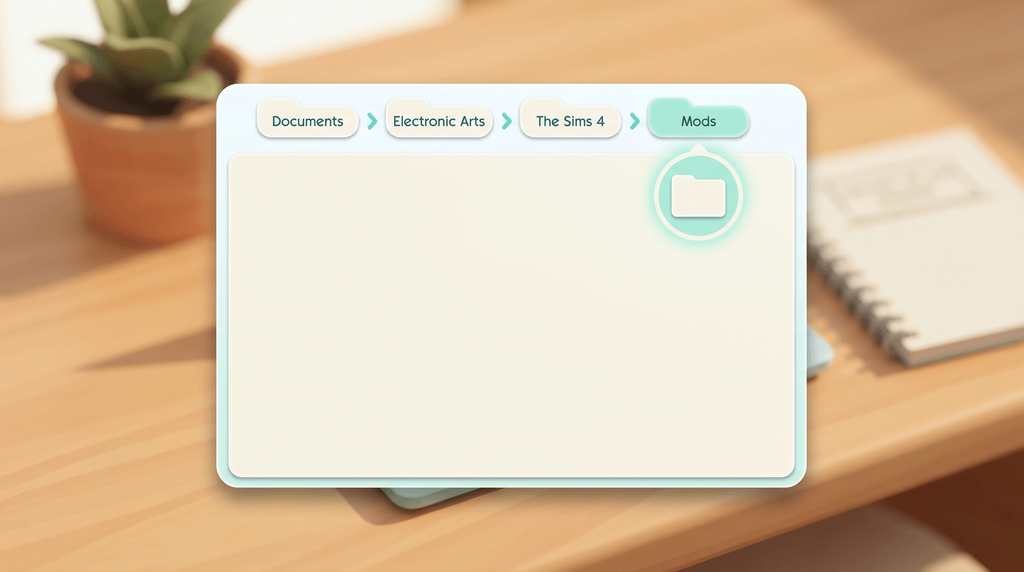
Into the Mods folder under Documents, not the game's install directory:
- Windows:
C:\Users\YourName\Documents\Electronic Arts\The Sims 4\Mods - Mac:
/Users/YourName/Documents/Electronic Arts/The Sims 4/Mods
One subfolder is fine and tidier than loose files; two is too deep for the script file. Steam players use the same folder, never the steamapps directory. Full steps: how to install UI Cheats, or the Mac version.
Is UI Cheats a script mod?
Partly. One of the two files is a .ts4script, which is a script mod, and the other is an ordinary .package.
That is why Script Mods Allowed has to be switched on in Game Options and the game restarted. It is also why the mod cannot run on a console.
Do I need testingcheats true to use it?
No. The very first release needed it, and weerbesu dropped the requirement in v1.1 in June 2015.
Typed cheat codes are a separate matter: most of them still need testingcheats true first. See how to enable cheats in The Sims 4.
How do I check which version I have installed?
Two ways, both from the author. In game, right-click the notebook icon next to the phone icon. Or, in Live mode, type ui_cheats.mod_version in the cheat console.
Compare what comes back against the version history, which lists the Sims 4 patch each release was built for.
How do I update UI Cheats after a Sims 4 patch?
Let the game finish patching. Then download the newest mod release, delete both old files, and put both new files in their place.
If the game has updated and no matching mod release exists yet, you wait. Nothing you install in the meantime fixes the mismatch.
Can I keep the old version installed as a backup?
No. The author asks for exactly one copy of the mod in the Mods folder.
That includes renamed files and old copies tucked into a subfolder, which is an easy way to end up with two versions loaded at once. Delete them instead of renaming them.
Compatibility and conflicts
Why did UI Cheats stop working after a Sims 4 update?
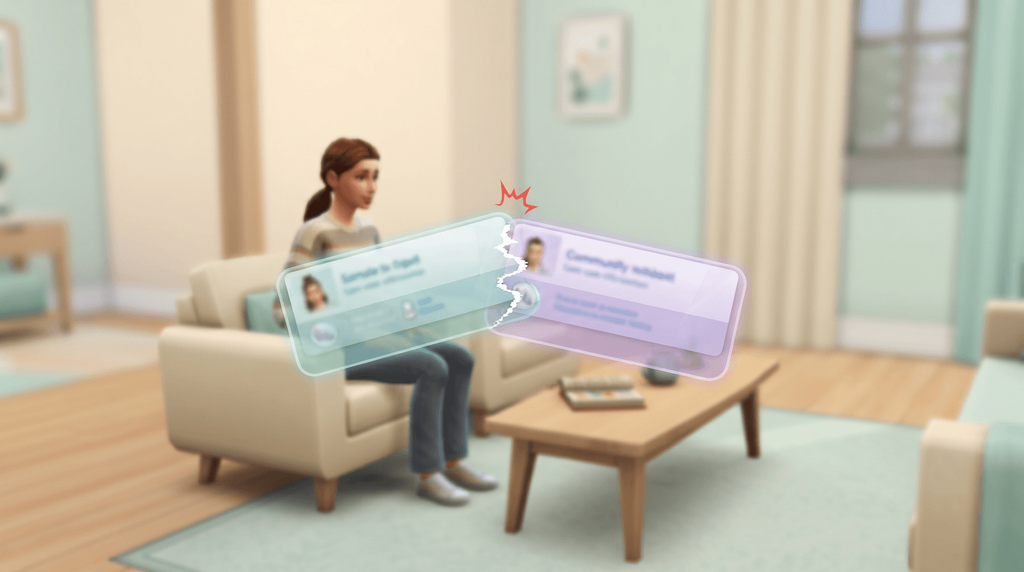
Almost certainly a version mismatch. The author's rule is blunt: missing interface, glitched panels and frozen menus are always down to the game version and the mod version not matching.
Update the game fully, then install the newest mod release. Every other fix comes after that one: UI Cheats not working, in order.
Does UI Cheats work on a Mac?
Yes. Same two files, same process, same folder under Documents.
No source we could find describes a Mac-specific permission problem with this mod, and the guides covering both platforms lay out an identical process. The Mac install guide has the Finder paths.
Does UI Cheats work on Xbox or PlayStation?
No. The Sims 4 on consoles does not load script mods of any kind, and one of the two UI Cheats files is a script mod. There is no console version and no workaround.
At least one popular wiki claims PlayStation 4 support, and that claim is wrong. On console you use the built-in cheat console instead: what you can do on console.
Can I use UI Cheats with MC Command Center?
Yes. The author states that UI Cheats only conflicts with other mods that override the same interface resources, and that it does not conflict with script mods or tuning mods. MC Command Center is a script mod, and two independent guides report the pair running together.
When two interface mods do clash, the game loads the first and ignores the second, so the second looks broken for no obvious reason. How the two compare.
I play Legacy Edition. Is there a version for me?
Yes, but it is old. The author points Legacy Edition players at v1.15.1 on Mod The Sims, a separate build for 32-bit PCs and Macs without Metal support.
That listing reports game version 1.58.63 and was last updated in August 2022, so it is missing everything added since. Do not install it alongside the current version.