UI Cheats not working in The Sims 4
Updated Checked against UI Cheats v1.59.1
It is nearly always a version mismatch. Patch the game, install the current mod build, keep one copy, and restart with Script Mods Allowed on.
v1.59.1· game patch 1.127.41Released · checked · Changelog on uicheats.weerbesu.com, opens in a new tab
Free. Made by weerbesu, served from this site. Built for game patch 1.127.41. What is in the zip
Check these in order
Panels broke after a game patch
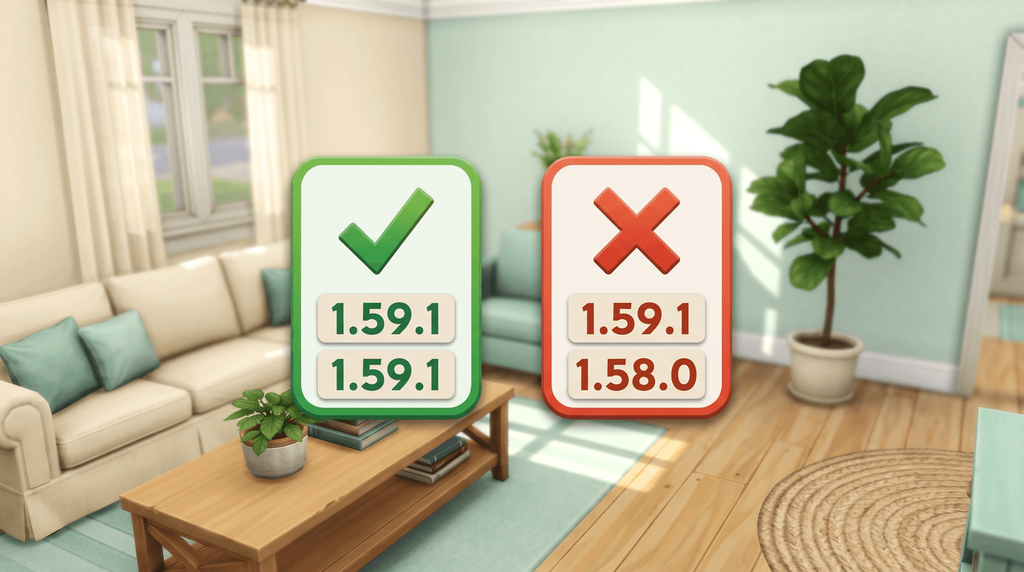
Update The Sims 4 first, then install mod v1.59.1, which is built for game patch 1.127.41.
Right-click the notebook icon next to the phone icon to read the version the game loaded.
Right-clicking does nothing anywhere
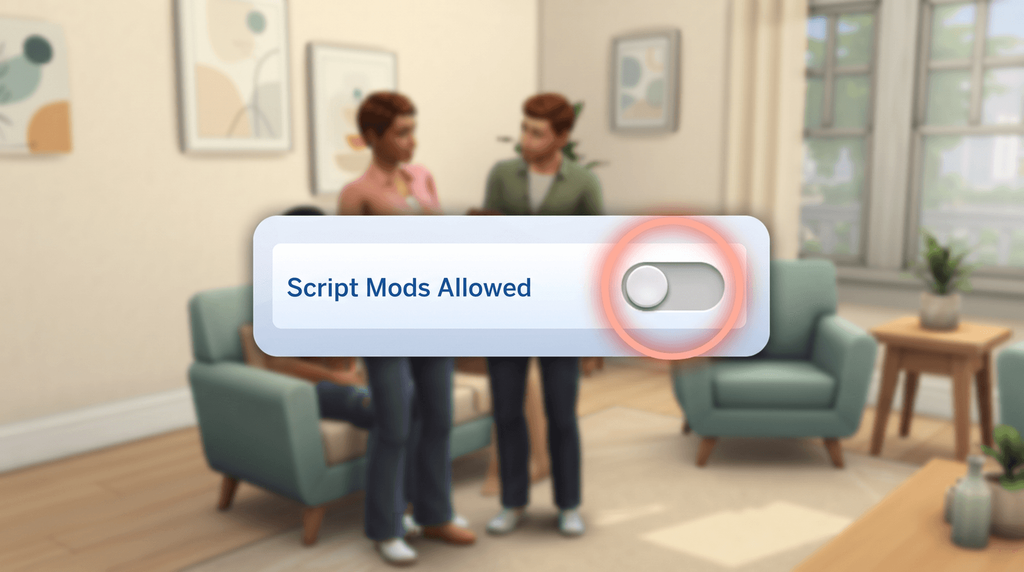
In Game Options, Other, tick Enable Custom Content and Mods and Script Mods Allowed, then restart the game.
Open the in-game Mods menu: both files should be listed.
A box opens but your number does nothing
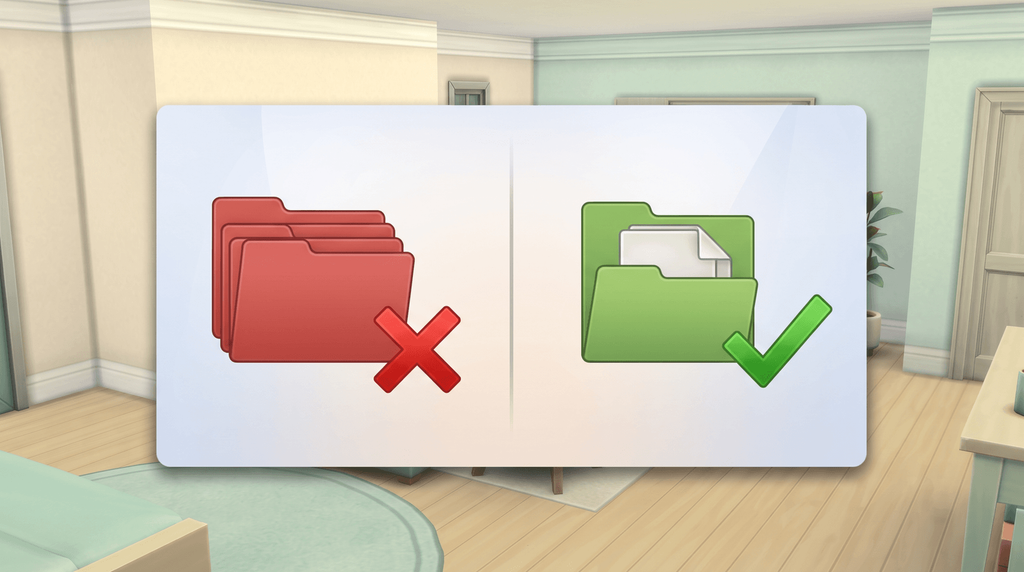
Your script file is not loading, so move it to at most one subfolder inside Mods.
It counts as loaded once it appears under Script Mods in the Mods menu.
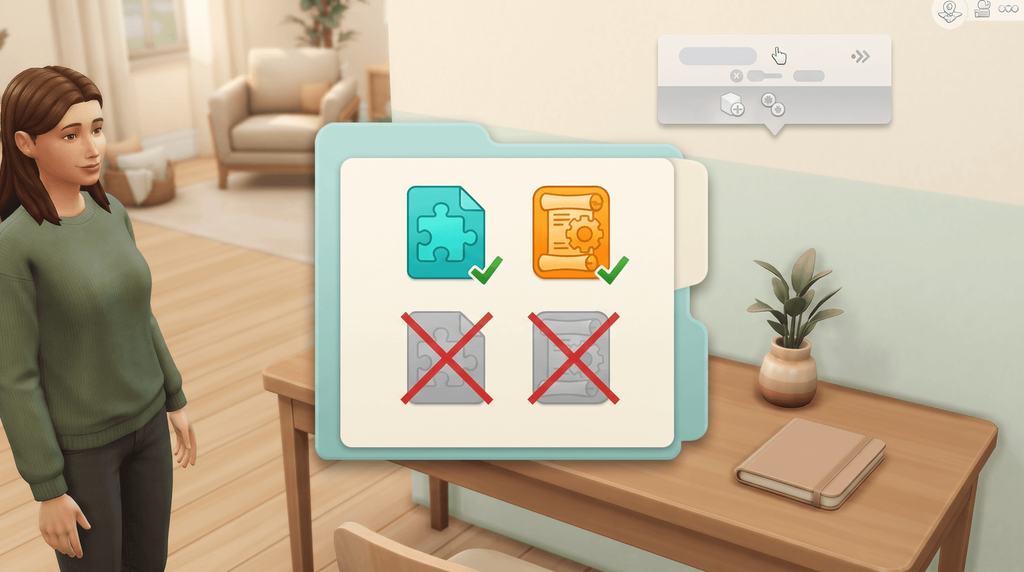
Two copies of the mod are installed
Delete every copy except the current pair, including backups and anything you renamed.
Search the Mods folder for "ui_cheats" and expect exactly two files.
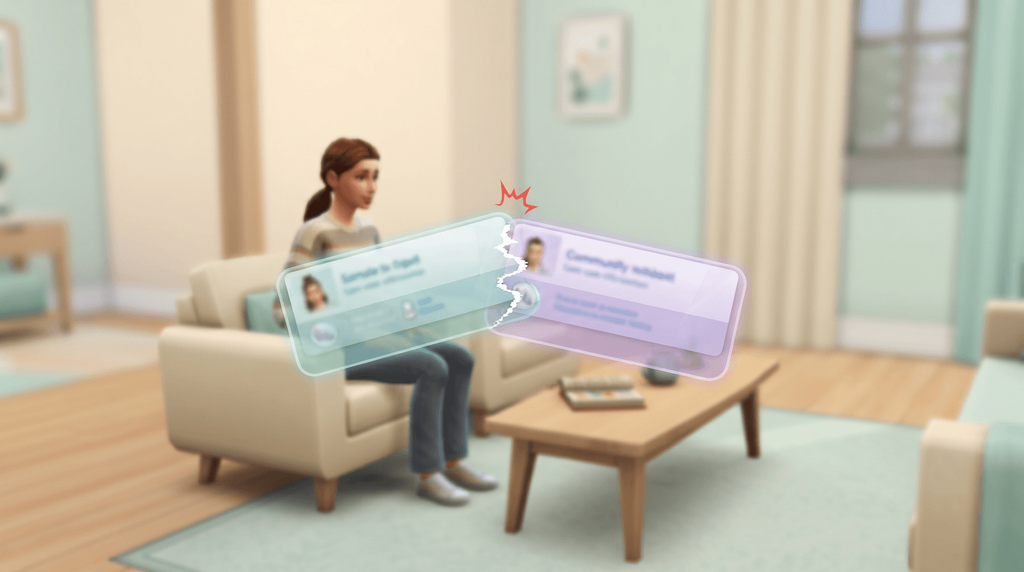
It stopped when you added another UI mod
Move your other mods out and start the game with UI Cheats on its own.
If it works alone, add the rest back a few at a time until the fault returns.
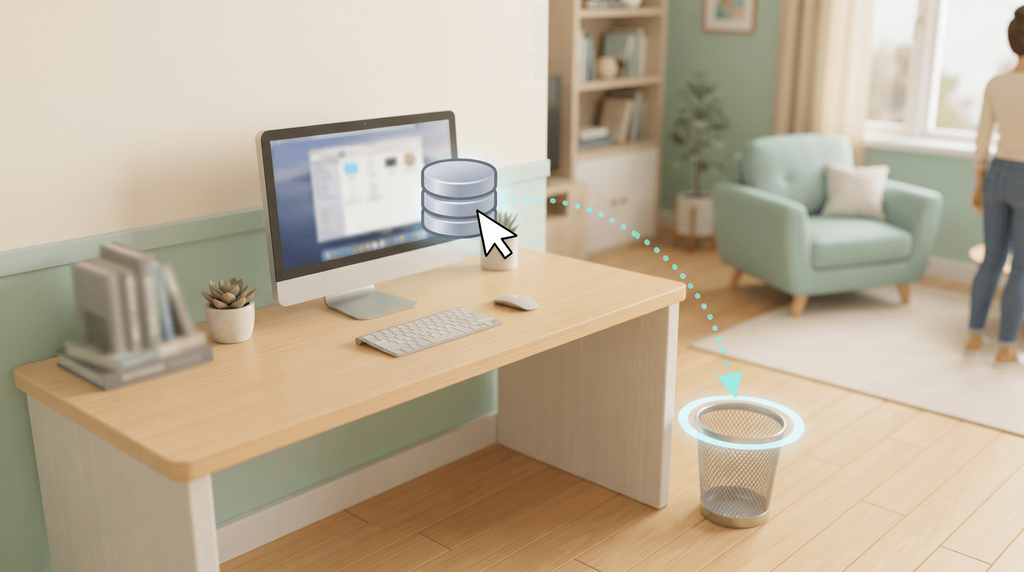
Panels look wrong right after an update
Close the game and delete localthumbcache.package from Documents, Electronic Arts, The Sims 4.
The game rebuilds it on the next launch, so the panels redraw from scratch.
Symptom and fix at a glance
| What you see | Usual cause | First thing to try |
|---|---|---|
| Panels missing, text or graphics wrong, menus freezing after a patch | Game version and mod version do not match | Update the game, then install the current mod build |
| A box opens, but entering a value does nothing | The script file is not loading | Check folder depth and Script Mods Allowed, then restart |
| Right-click does nothing anywhere | Neither file loaded, or mods are switched off | Tick both options in Game Options, Other, and restart |
| Nothing appears in the Mods menu | The zip was never extracted, or the files are in the wrong folder | Extract the archive into the Documents Mods folder |
| It worked, then stopped after you added another mod | Another user interface mod overriding the same resources | Test alone, then add the other UI mods back one at a time |
| Odd behaviour right after an update | Stale cached data | Delete localthumbcache.package and relaunch |
| Mods folder ignored entirely, deleted files reappear | Documents redirected into OneDrive on Windows | Move Electronic Arts to a local drive or exclude it from sync |
| Two versions of the mod in the folder | Duplicate or renamed copies | Delete everything except the current pair of files |
Still stuck?
- Start again from the installation guide.
- Compare your build against the version history.
- Console itself broken? See when the cheat console itself is broken.
Rarer causes, and three fixes you can skip
OneDrive on Windows. If OneDrive has taken over your Documents folder, the game can read a different Electronic Arts folder from the one you are editing, and OneDrive can restore mod files you deleted. Move the Electronic Arts folder to a local drive, or exclude The Sims 4 folders from sync. This one comes from EA Forums reports rather than the author.
The wrong folder entirely. The game only reads Documents\Electronic Arts\The Sims 4\Mods. Steam players sometimes put mods in the Steam install directory, which the game never looks at. Also check you are in Live mode, because most of the panels the mod extends only exist there.
A Last Exception or Better Exceptions file. No source we found explains how to read one for this mod specifically. The general approach is the isolation test above: remove mods until the file stops appearing, then report the one that caused it to whoever wrote it.
Rebuilding Resource.cfg by hand. Skip it. A missing Resource.cfg was a real problem years ago, but current versions of The Sims 4 handle mod discovery themselves and put the file back. That is community guidance rather than an EA statement, though it is consistent across sources.
Reinstalling The Sims 4. Skip it. The mod is two files in a folder the game reads at launch, and nothing in the author's own troubleshooting points at a reinstall.
Downgrading the mod. Skip it. The release post carries one current build, so going back a version means taking a copy from a site that is not the author's. Legacy Edition is the exception, and it is a separate frozen build.
Your saves are not the problem. The only save issue on record was an aspiration cheat bug fixed in v1.16.2 in January 2020. Fix the versions and keep your saves.
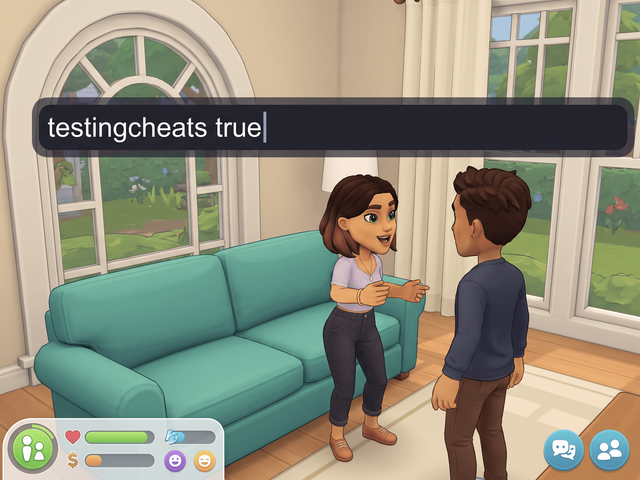
testingcheats is not required. The mod stopped needing it in v1.1, back in 2015. Nothing happening when you click is an installation problem, not a cheats setting.
Frequently asked questions
Why is UI Cheats not showing up in my game after I installed it?
Open the in-game Mods menu and look for both files: the package file under Custom Content, the script file under Script Mods. If neither is listed, the two Game Options settings are off or the game has not been restarted since you switched them on. If only the package file is listed, the script file is missing or buried more than one subfolder deep.
The cheat box appears, but typing a number does nothing. What is wrong?
Your package file loaded and your script file did not. That is the author's own diagnosis for this exact symptom. Check that the .ts4script file is in the Mods folder, that it sits no more than one subfolder deep, and that Script Mods Allowed is on with a restart since.
Does every Sims 4 patch break UI Cheats?
A patch can, which is why the mod is updated so often. The author's position is that a mismatch between your game version and your mod version is behind every case of missing panels, glitched text and frozen menus. Version 1.59.1 was built for game version 1.127.41. Patch the game first, then install the matching mod build, and check the version history if you are not sure which release you are on.
Can another mod conflict with UI Cheats?
Only another user interface mod that overrides the same resources. The author says the mod does not conflict with other kinds of mods, including script mods and tuning mods. When two UI mods do collide, the game reads the first and ignores the second, so the second simply stops working. MC Command Center is widely reported to run alongside it without trouble, which fits that rule.