On this page
Sims 4 emotion and moodlet cheats
Updated Last verified 23 September 2026
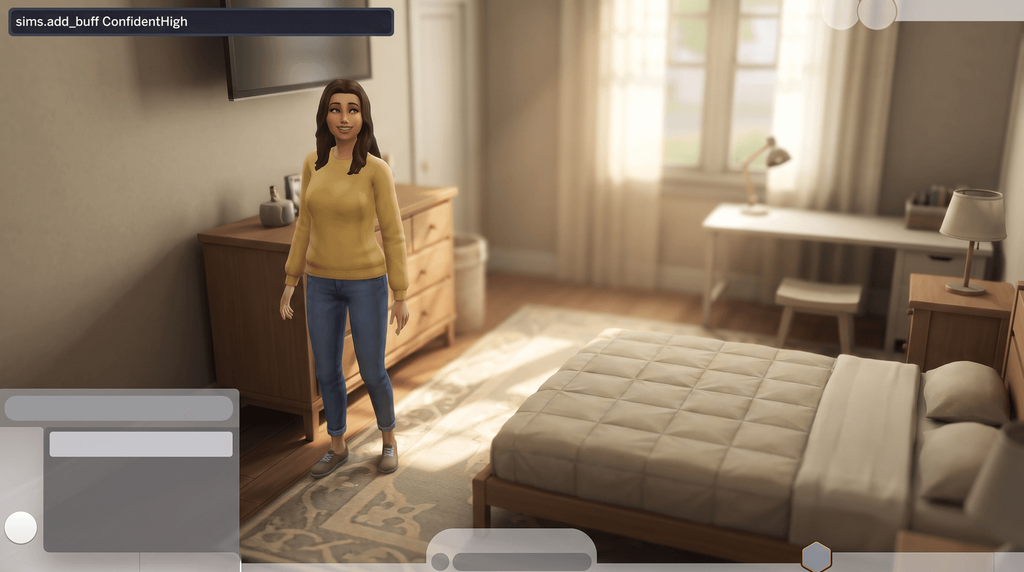
Select the Sim and type sims.add_buff ConfidentHigh. One command, sims.remove_all_buffs, clears a bad mood.
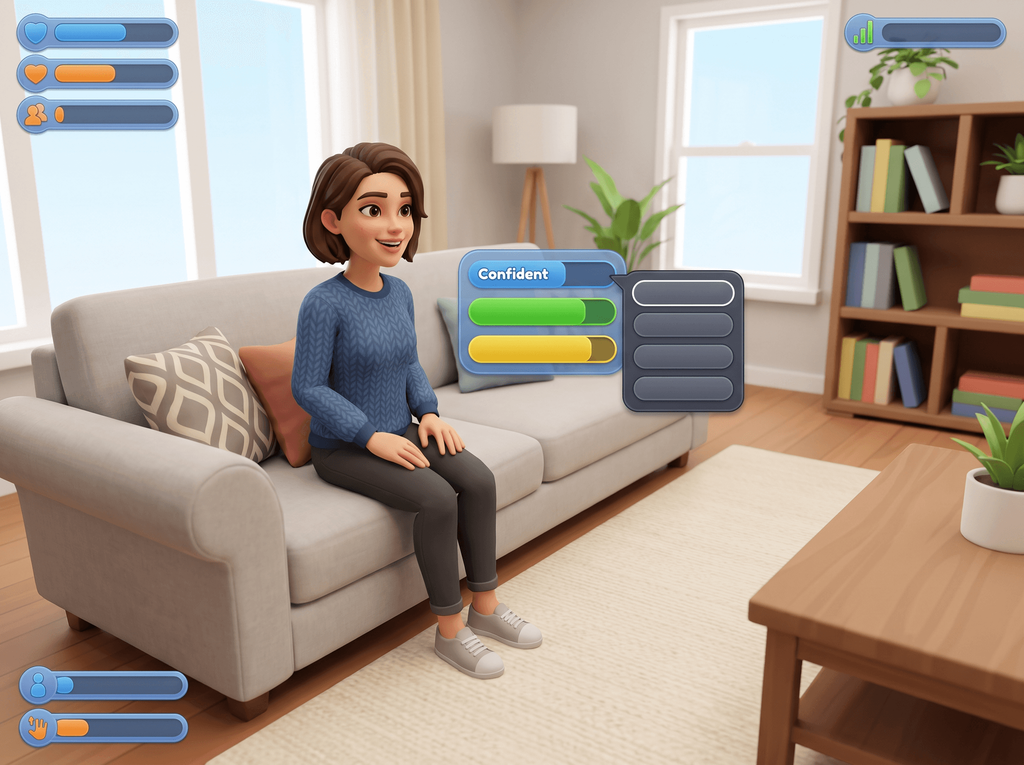
Top emotion cheats
| Command | What it does | Notes | Copy |
|---|---|---|---|
Commandsims.add_buff ConfidentHigh | What it doesMakes the Sim Confident at +2. | Notes | |
Commandsims.add_buff FocusedHigh | What it doesMakes the Sim Focused at +2. | Notes | |
Commandsims.add_buff InspiredHigh | What it doesMakes the Sim Inspired at +2. | Notes | |
Commandsims.add_buff FlirtyHigh | What it doesMakes the Sim Flirty at +2. | Notes | |
Commandsims.remove_all_buffs | What it doesClears every moodlet and returns the Sim to a neutral mood. | NotesGood for shifting a stubborn Sad or Embarrassed moodlet that a full needs bar will not budge. It clears the pleasant moodlets too. |
Open the cheat console
| Platform | Keys |
|---|---|
| Windows | Ctrl + Shift + C |
| Mac | Ctrl + Shift + C, or Command + Shift + C |
| PlayStation | R1 + R2 + L1 + L2 together |
| Xbox | RB + RT + LB + LT together |
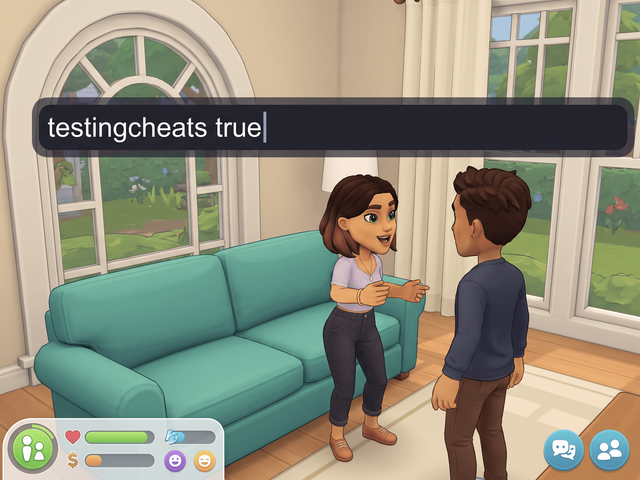
Every command here needs testingcheats true and applies to the selected Sim.
Mac keys, console keys and the master switch
EA's cheats FAQ gives Ctrl + Shift + C for PC and Mac alike, while several guides give Command + Shift + C on a Mac. Try one and fall back to the other.
On console, hold all four shoulder buttons, type the cheat with the on-screen keyboard and press Enter. Pressing all four again closes the bar.
testingcheats true has to be entered again after every load. The full walkthrough is on how to enable cheats in The Sims 4.
Every emotion cheat
Set a mood
Every one of these has a Low version as well: swap High for Low to get the weaker +1 moodlet instead of +2.
| Command | What it does | Notes | Copy |
|---|---|---|---|
Commandsims.add_buff <BuffName> | What it doesPuts a moodlet on the active Sim. | NotesSwap <BuffName> for one of the names below. Spelling matters; capitalisation does not. | |
Commandsims.add_buff ConfidentHigh | What it doesMakes the Sim Confident at +2. | Notes | |
Commandsims.add_buff FocusedHigh | What it doesMakes the Sim Focused at +2. | Notes | |
Commandsims.add_buff InspiredHigh | What it doesMakes the Sim Inspired at +2. | Notes | |
Commandsims.add_buff EnergizedHigh | What it doesMakes the Sim Energized at +2. | NotesNote the US spelling: Energized, not Energised. | |
Commandsims.add_buff PlayfulHigh | What it doesMakes the Sim Playful at +2. | Notes | |
Commandsims.add_buff FlirtyHigh | What it doesMakes the Sim Flirty at +2. | Notes | |
Commandsims.add_buff HappyHigh | What it doesMakes the Sim Happy at +2. | Notes | |
Commandsims.add_buff SadHigh | What it doesMakes the Sim Sad at +2. | Notes | |
Commandsims.add_buff AngryHigh | What it doesMakes the Sim Angry at +2. | Notes |
Moods that last twelve hours
The e_buff tokens set a mood for half a Sim day, which is long enough to finish a painting or a homework session.
| Command | What it does | Notes | Copy |
|---|---|---|---|
Commandsims.add_buff e_buff_confident | What it doesConfident for twelve hours. | Notes | |
Commandsims.add_buff e_buff_focused | What it doesFocused for twelve hours. | Notes | |
Commandsims.add_buff e_buff_inspired | What it doesInspired for twelve hours. | Notes | |
Commandsims.add_buff e_buff_energized | What it doesEnergized for twelve hours. | Notes | |
Commandsims.add_buff e_buff_playful | What it doesPlayful for twelve hours. | Notes | |
Commandsims.add_buff e_buff_flirty | What it doesFlirty for twelve hours. | Notes | |
Commandsims.add_buff e_buff_sad | What it doesSad for twelve hours. | Notes | |
Commandsims.add_buff e_buff_angry | What it doesAngry for twelve hours. | Notes | |
Commandsims.add_buff e_buff_uncomfortable | What it doesUncomfortable for twelve hours. | Notes | |
Commandsims.add_buff e_buff_embarrassed | What it doesEmbarrassed for twelve hours. | Notes | |
Commandsims.add_buff e_buff_bored | What it doesBored for twelve hours. | Notes |
Very strong moods that last twenty days
Stronger than anything the game hands out on its own, and they sit on the Sim for weeks.
| Command | What it does | Notes | Copy |
|---|---|---|---|
Commandsims.add_buff CheatingIntensityBuff_Fearless | What it doesConfident at +5 for twenty days. | Notes | |
Commandsims.add_buff CheatingIntensityBuff_InTheZone | What it doesFocused at +5 for twenty days. | Notes | |
Commandsims.add_buff CheatingIntensityBuff_Imaginative | What it doesInspired at +5 for twenty days. | Notes | |
Commandsims.add_buff CheatingIntensityBuff_Passionate | What it doesFlirty at +6 for twenty days. | Notes |
Clear a mood
There is no working command for removing one moodlet on its own. It is all of them or none.
| Command | What it does | Notes | Copy |
|---|---|---|---|
Commandsims.remove_all_buffs | What it doesClears every moodlet and returns the Sim to a neutral mood. | NotesGood for shifting a stubborn Sad or Embarrassed moodlet that a full needs bar will not budge. It clears the pleasant moodlets too. | |
Commandsims.remove_buff <BuffName> | What it doesWas meant to take a single named moodlet off the Sim. | NotesDeprecated: two guides say EA disabled per-buff removal around the 2018 Seasons patch, so use sims.remove_all_buffs, or right-click the moodlet with the UI Cheats Extension. |
How the buff names work
High and Low
- High is +2.
- Low is +1.
- Only the last word changes.
How long they last
- Plain tokens: a few Sim hours.
- e_buff tokens: twelve hours.
- CheatingIntensityBuff: twenty days.
Spelling
- Spelling matters, capitals do not.
- Energized, never Energised.
Clear a stubborn bad mood
Select the Sim and run sims.remove_all_buffs. Every moodlet comes off at once.
Why sims.remove_buff stopped working
Two guides say EA disabled per-buff removal around the 2018 Seasons patch. The command is still accepted, so nothing tells you it failed; the moodlet simply stays. Older pages that list it were written before that change.
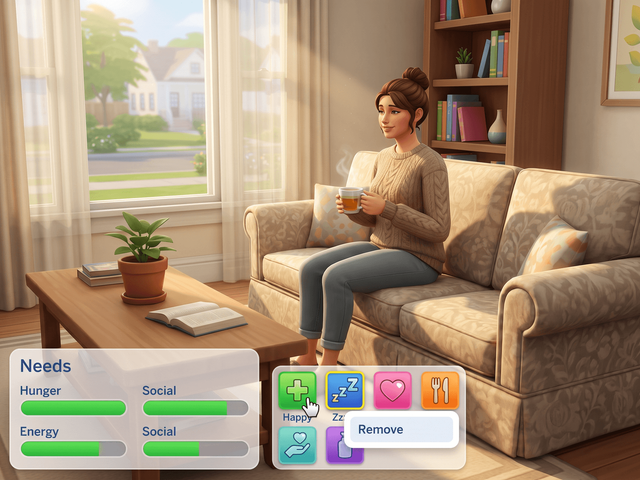
If you need one moodlet gone and the rest kept, the choices are a third-party cheat mod or the UI Cheats Extension, which lets you right-click the single moodlet.
Emotion cheats and achievements
Keeping your trophies
Other saves keep their progress, and no command turns trophy progress back on once a save has lost it. Make a second save before your first testingcheats true and cheat only in that one.
With the UI Cheats Extension
UI Cheats Extension is a free script mod by weerbesu. It removes one moodlet where the console no longer can.
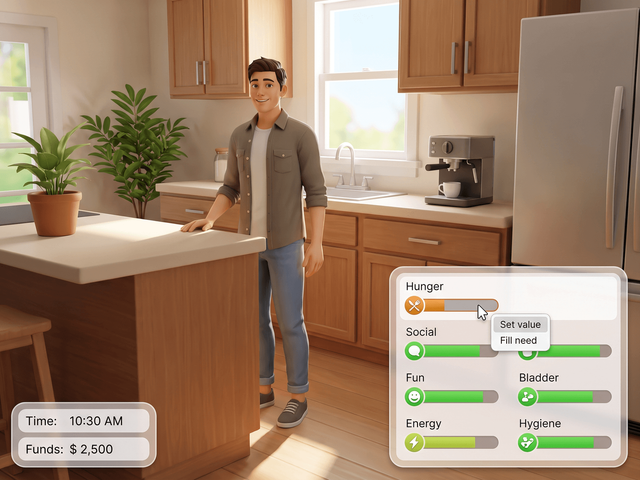
What the mod does not replace
Adding a moodlet is not a documented mod feature, so sims.add_buff stays a typed command. The mod also needs Script Mods Allowed switched on in Game Options and has to match your game version. The install guide covers the setup, and every UI Cheats feature lists the other panels it touches.
Frequently asked questions
What is the emotion cheat in The Sims 4?
Turn cheats on with testingcheats true, select the Sim, then type sims.add_buff followed by the mood token, for example sims.add_buff ConfidentHigh.
How do you make a Sim confident?
sims.add_buff ConfidentHigh gives a +2 Confident moodlet. ConfidentLow gives +1, and e_buff_confident keeps it going for twelve Sim hours.
How do you get rid of a sad moodlet?
Use sims.remove_all_buffs. It clears every moodlet at once, because per-buff removal no longer works in the console. Anything driven by needs or the room comes back by itself.
Why does sims.remove_buff do nothing?
Two guides report that EA disabled per-buff removal around the 2018 Seasons patch, so the command is still accepted but has no effect. Use sims.remove_all_buffs, or right-click the single moodlet with the UI Cheats Extension.
Do emotion cheats last forever?
No. The plain tokens run for a few Sim hours, the e_buff tokens for twelve, and the CheatingIntensityBuff tokens for twenty days at +5 or +6.