Download the UI Cheats Extension
Updated Checked against UI Cheats v1.59.1
Free mod by weerbesu: his unmodified v1.59.1 zip, built for game patch 1.127.41. Patch your game first.
v1.59.1· game patch 1.127.41Released · checked · Changelog on uicheats.weerbesu.com, opens in a new tab
UI Cheats Extension
by weerbesu · free, no pledge needed
- Version
- 1.59.1
- Released
- Game version
- 1.127.41
- File size
- 14.9 MB
- Hosted here since
Made by weerbesu. Support the author on Patreon, opens patreon.com in a new tab
UI_Cheats_Extension_v1.59.1.zip
SHA-256: 679835af8d3beb9343cc08d1b787b2d9ced17749ed287f70eb848c9f94f15e7d
What is in the zip, and what it needs to work
What is in the zip
UI_Cheats_Extension.packageUI_Cheats_Extension_Scripts.ts4script
What it needs to work
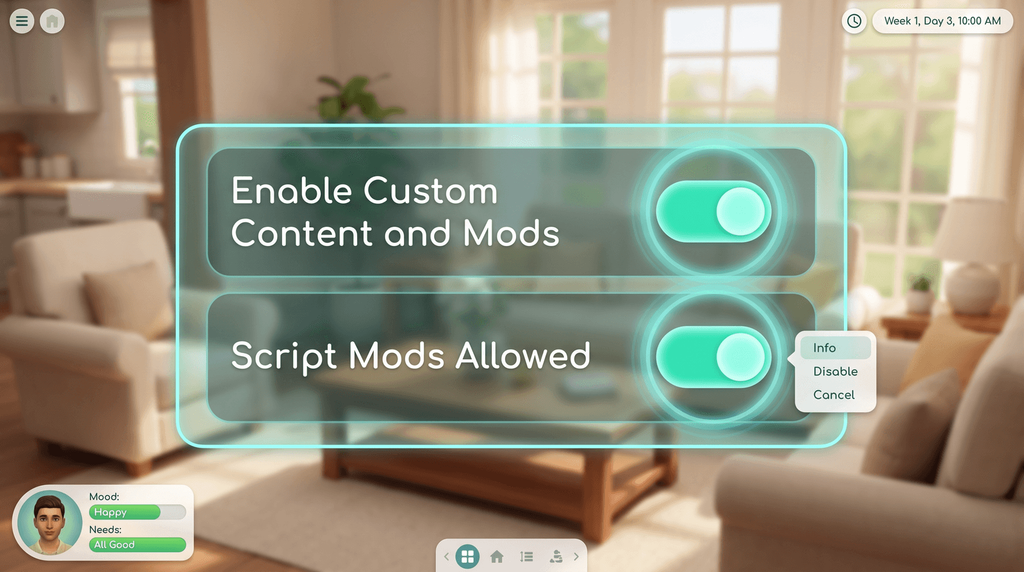
- Script Mods Allowed switched on in Game Options, then a full restart of the game.
- Enable Custom Content and Mods switched on as well.
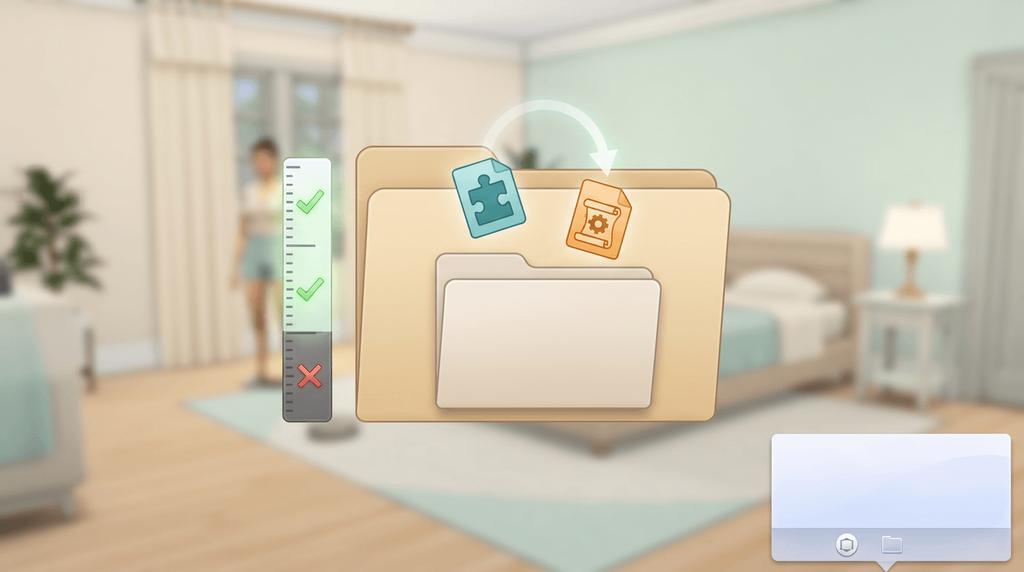
- Both files placed in the Mods folder, no more than one subfolder deep.
- Exactly one copy of the mod in the Mods folder. Delete older and renamed copies.
- No expansion packs needed. The base game is enough.
Playing Legacy Edition? There is a separate, frozen build, v1.15.1, on Mod The Sims on modthesims.info, opens in a new tab. A separate frozen build for Legacy Edition, for 32-bit PC players and non-Metal Macs. The Mod The Sims listing reports game version 1.58.63 and was last updated on 17 August 2022, so it has none of the newer features.

What is inside the zip
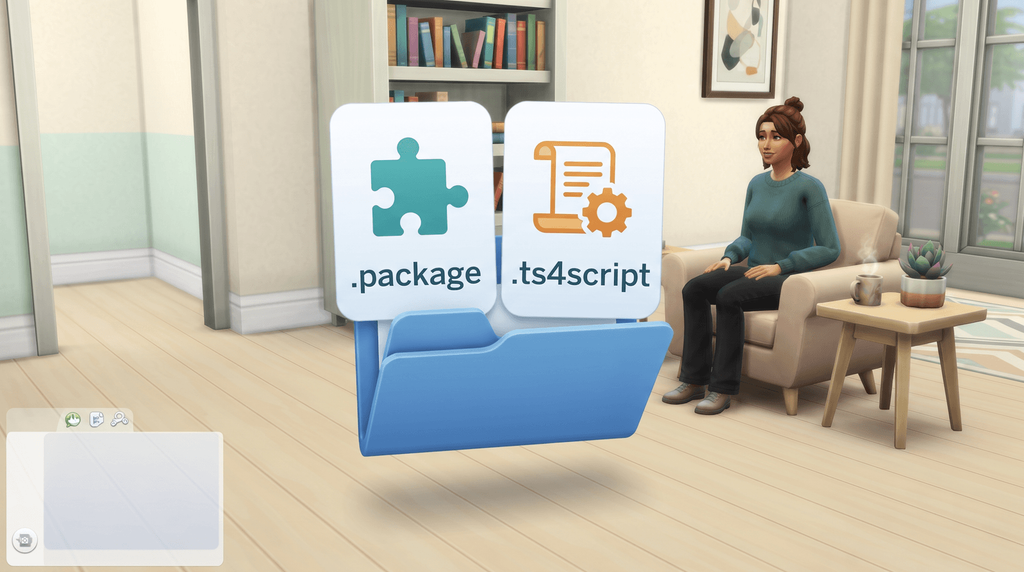
- One package file. It draws the cheat boxes on the game's panels.
- One script file. It applies the value you type into them.
- Extract the zip first. The Sims 4 does not read zip files.
File names and sizes
The archive is UI_Cheats_Extension_v1.59.1.zip, 14,902,899 bytes. Unpacked you get UI_Cheats_Extension.package at 15,388,976 bytes and UI_Cheats_Extension_Scripts.ts4script at 36,009 bytes, and nothing else.
The split tells you where a problem sits. If a cheat box opens but typing a number does nothing, the package file loaded and the script file did not, which points at folder depth or at Script Mods Allowed being off.
Match your game version
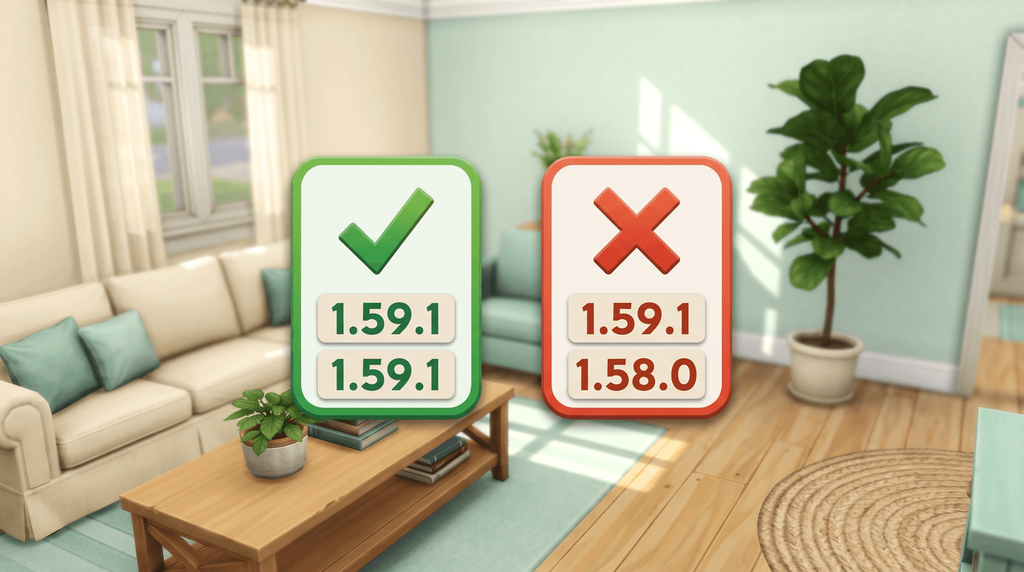
To read the version you already have installed:
- Right-click the notebook icon next to the phone icon in Live mode.
- Or type
ui_cheats.mod_versionin the cheat console.
Why a mismatch breaks the interface
The author's own troubleshooting says missing panels, glitched text and frozen menus are always caused by a gap between your game version and your mod version. Going forwards fixes it; going backwards rarely does, because the game does not make downgrading easy.
Keep exactly one copy in the Mods folder. A renamed backup of the old build counts as a second copy, and two copies fight each other. The release history, with the game patch each build was made for, is on the UI Cheats version history.
Verify the file

Check your copy against these three values.
| File name | UI_Cheats_Extension_v1.59.1.zip |
|---|---|
| Size | 14,902,899 bytes, shown as 14.9 MB |
| SHA-256 | 679835af8d3beb9343cc08d1b787b2d9ced17749ed287f70eb848c9f94f15e7d |
How to check the checksum yourself
On Windows, open Command Prompt in your Downloads folder and run certutil -hashfile UI_Cheats_Extension_v1.59.1.zip SHA256. On a Mac, open Terminal and run shasum -a 256 UI_Cheats_Extension_v1.59.1.zip.
The string it prints should match the one in the table, character for character. Older guides quote a 13.5 MB file size; that figure predates this release.
Mod The Sims and Legacy Edition
Legacy Edition, in full
Search for UI Cheats and Mod The Sims often ranks first. That listing is genuine and weerbesu links to it himself, but it is a different build for a different game: UI Cheats Extension v1.15.1 for Legacy Edition, aimed at 32-bit PC players and Macs that cannot run the Metal version.
A separate frozen build for Legacy Edition, for 32-bit PC players and non-Metal Macs. The Mod The Sims listing reports game version 1.58.63 and was last updated on 17 August 2022, so it has none of the newer features. It had been downloaded 3,158,516 times when we checked, which is part of why so many players install it by mistake. The listing also calls the file v1.15.1 while quoting game version 1.58.63, which the changelog ties to v1.16. That is an inconsistency on the page, not a sign of anything wrong with the file.
Install it in three steps

Unzip it
You get two files.
Drop both files in Mods
One subfolder deep at most. Deeper and the script never loads.
Switch on Script Mods Allowed
Game Options, Other. Then restart the game fully.
Folder paths for both systems are in the UI Cheats install guide.
Frequently asked questions
Is the UI Cheats Extension free?
Yes. weerbesu publishes it as a free, public release with no pledge required, and the button above costs nothing. If a page tells you to pay before you can download UI Cheats, it is wrong.
Is this the original file?
Yes. It is weerbesu's own zip, byte for byte, with the file name he gave it. The size and the SHA-256 on this page are the ones we measured from the file we serve, so you can check your copy against them.
Do I need any expansion packs?
No. The base game is enough. Cheats for pack content only appear in the menus if you own that pack.
Does it work on a Mac?
Yes. Same two files, same steps. The Sims 4 reads mods from your Documents folder on macOS as well as on Windows.
Does it work on Xbox or PlayStation?
No. The Sims 4 on consoles does not load script mods of any kind, and half of this download is a script file.